Real talk: most AI model launches don’t change your week. They change a leaderboard, a few headlines, and then your team goes right back to doing things the old way. Yesterday’s launch felt different to me, and not because of the benchmarks — because of the price tag.
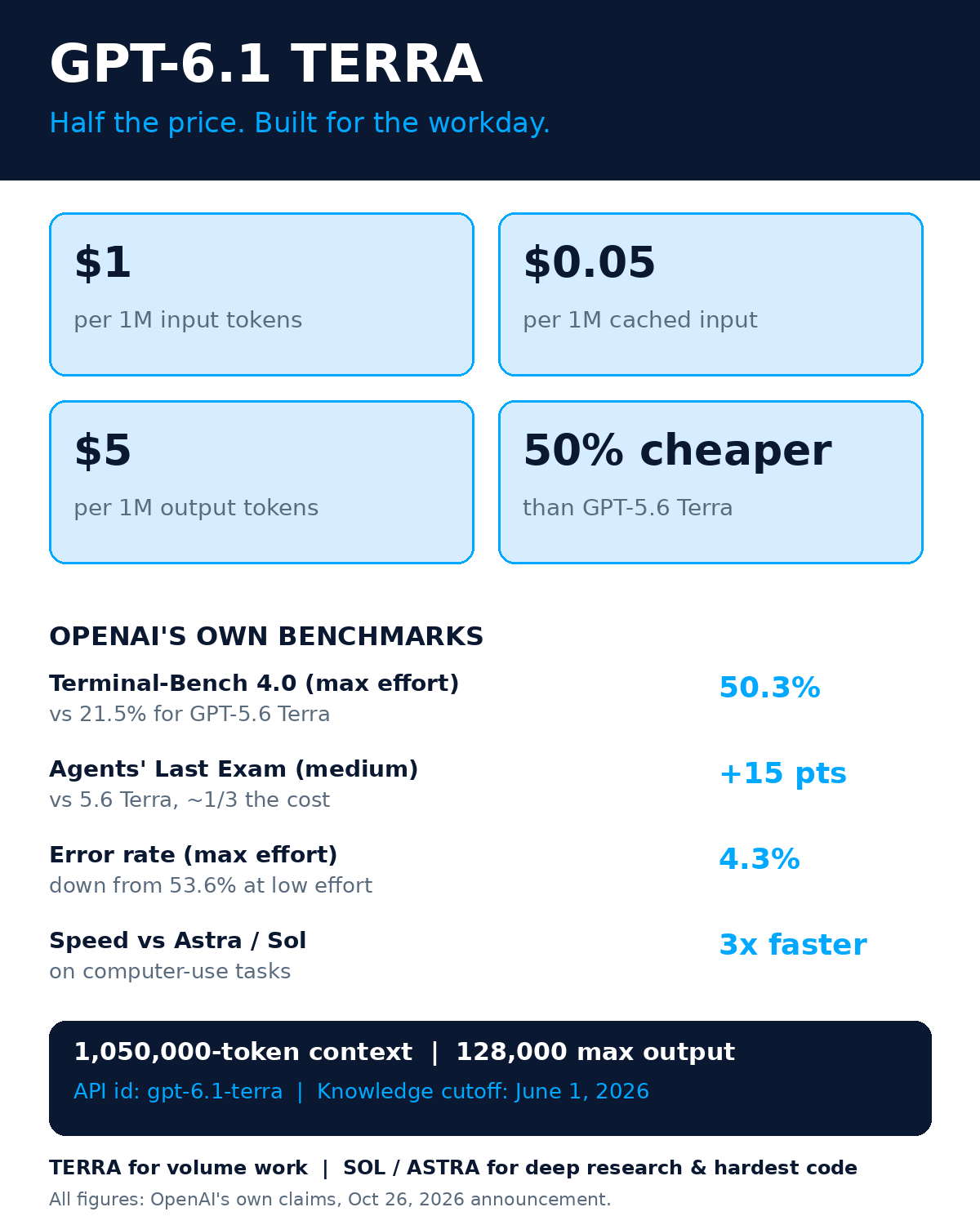
On October 26, 2026, OpenAI announced GPT-6.1 Terra, a new model built for the unglamorous work that actually fills a startup’s day: drafting proposals, reading invoices into accounting software, filling out forms, editing video, making sense of technical drawings. The headline number is simple. Standard API pricing is $1 per million input tokens, $0.05 per million cached input tokens, and $5 per million output tokens — which OpenAI says is 50% lower than GPT-5.6 Terra and GPT-6.1 Sol. Half the price for the model that does the computer work. That’s the kind of thing that changes a budget spreadsheet, not just a press release.
Here’s the thing, though. A cheaper model is only useful if you point it at the right jobs. Send it the wrong work and you’ll save money on tokens while burning hours on fixes. Send it the right work and it quietly eats the most boring, most expensive part of your week. I’ve spent the last day digging through the announcement, the specs, and the early coverage to figure out which is which. This guide is that work: what Terra is, what it costs, what OpenAI’s own numbers actually say (with the caveats they deserve), and a four-step playbook for putting it to work in your startup this week.
What GPT-6.1 Terra Actually Is
Terra is the successor to GPT-5.6 Terra, and its job description is refreshingly specific. OpenAI positions it for “workday computer tasks” — the stuff a capable employee does at a screen all day. Not brainstorming your strategy. Not writing your novel. Doing the job: opening the document, reading the numbers, filling in the form, moving the file where it belongs.
That positioning matters because it tells you what Terra is for and what it isn’t. If you’ve been following OpenAI’s recent model family, you know the pattern by now. GPT-6 Intelligent UI changed how ChatGPT answers you, turning answers into interactive tools. OpenAI Dots pushed toward always-on agents. Terra is the workhorse of the family: less flash, more throughput. It’s the model you hand the pile of work to, not the model you ask for a brilliant idea.
Under the hood, the specs are generous. The API id is gpt-6.1-terra. The context window is 1,050,000 tokens — that’s a huge working memory, enough to hold long documents, big spreadsheets, and long conversation histories in one go. Max output is 128,000 tokens per response. It takes text and image input and produces text output. Knowledge cutoff is June 1, 2026, so for anything after that date, you’ll want to feed it the facts yourself (or give it a tool that can look things up). Reasoning effort is adjustable from none through max, with medium as the default — and that dial turns out to matter a lot, as the benchmark numbers below show.
One detail founders keep tripping over: where you can actually use it. Terra is available in ChatGPT Work and Codex for Plus, Pro, Enterprise, and Edu users (OpenAI’s release notes also list Business). It is not in regular ChatGPT chat. So if you open the normal ChatGPT window expecting to find Terra there, you won’t. That’s a real gotcha for teams that buy seats and assume every model lives in the same chat box. Plan your access route before you plan your workflow — more on that in the playbook below.
The Price: Half Off, With One Fine Print Item
Let’s talk money, because that’s the whole story here. Standard API pricing for GPT-6.1 Terra:
- $1 per 1 million input tokens
- $0.05 per 1 million cached input tokens — repeat context gets very cheap
- $5 per 1 million output tokens
OpenAI says that’s 50% lower than GPT-5.6 Terra and GPT-6.1 Sol. PYMNTS’ coverage frames it the same way: a half-price model aimed squarely at enterprise automation. And honestly, that framing is right. This is not a model priced for hobby experiments. It’s priced for volume — for companies that want to run thousands of small computer tasks a day without watching the meter spin.
The cached-input price deserves a second look. At $0.05 per million, cached context is basically free compared to fresh input. If your workflow repeats the same instructions, the same company handbook, the same form templates across hundreds of tasks, caching turns those repeated tokens into a rounding error. This is one of the oldest cost levers in the API world, and if you haven’t already built your cost thinking around it, our guide to cutting your AI API bill walks through the same idea in detail.
Now the fine print. Prompts above 272,000 input tokens are charged at higher rates. That’s not a dealbreaker — 272,000 tokens is a lot of text — but it does mean the “feed it everything” approach has a price cliff. If you’re stuffing entire document archives into a single prompt, check where that threshold sits before you scale the workflow. The cheapest architecture is usually the one that sends the model what it needs, not everything you have.
“A cheaper model doesn’t save you money. A cheaper model pointed at the right job, measured per finished task, saves you money. Everything else is just a lower number on an invoice you still shouldn’t be paying.”
The Benchmarks — Read Them Like a Founder, Not a Fan
Every benchmark below comes from OpenAI’s own announcement. I want to be straight about that: these are the vendor’s numbers, on the vendor’s tests, and no independent lab has confirmed them yet. That doesn’t make them useless — vendors don’t usually publish numbers they can’t defend — but it does mean you should treat them as a direction, not a guarantee. Test on your own tasks before you bet a workflow on them.
With that caveat, the numbers are striking. On Agents’ Last Exam, OpenAI’s computer-use benchmark, Terra at medium effort scored 15 percentage points higher than GPT-5.6 Terra at about one-third the cost. It’s also described as on par with GPT-6 Astra at one-tenth the price per token, and completing tasks over 3x faster than Astra and GPT-6.1 Sol. Read that again: better than its predecessor, nearly matching the flagship on this kind of work, at a fraction of the price, and much faster. If those numbers hold up in real use, the “which model for computer tasks” question just got a lot simpler.
Terminal-Bench 4.0 tells a similar story. At max effort, Terra hit 50.3%, versus 21.5% for GPT-5.6 Terra. That’s more than double. And on OpenAI’s internal benchmark of error-inducing prompts — the kind of tricky, ambiguous instructions that make models confidently do the wrong thing — the error rate fell from 53.6% to 16.7% at low effort, and all the way to 4.3% at max effort. That last number matters more than it looks. For a model that touches your invoices, your forms, and your customer records, the error rate is the whole ballgame. A fast model that confidently files the wrong number is worse than no model at all.
Two more results round out the picture. On MMMU-Pro visual reasoning, Terra outperforms 5.6 Terra at every setting and nearly matches Astra and Sol at much lower cost — relevant if your work involves reading charts, diagrams, or screenshots. On OSWorld 2.1, another computer-use test, Terra beats 5.6 Terra’s best score at medium effort, at a fraction of the cost per task. MarkTechPost’s breakdown walks through these results in detail if you want the full table.
What This Means for a Startup, Concretely
Enough specs. What do you actually do with this on Monday morning? OpenAI’s own examples point at five kinds of work, and each one maps to a real startup pain:
1. Drafting proposals
Your sales team writes the same proposal skeleton fifty times with different numbers. Terra can draft from your template, your pricing sheet, and your past winning proposals — then a human reviews and sends. The review step stays. The blank-page step goes away.
2. Reading invoices into accounting software
Every founder knows this one. The invoice arrives as a PDF, a photo, or a forwarded email, and somebody has to type it into the books. Terra reads the document and fills the fields. This is the exact kind of repetitive, error-prone, nobody-wants-it work where a computer-use model earns its keep. (And where that 4.3% max-effort error rate, if real, actually matters — check the numbers before you post them, but the typing is done.)
3. Filling out forms
Vendor onboarding, compliance forms, grant applications, partner paperwork. Forms are where startups bleed hours in dribs and drabs, ten minutes here, half an hour there. Automating form-filling is boring. Boring is profitable.
4. Interpreting technical drawings
If you’re in hardware, construction tech, manufacturing, or anything with diagrams, Terra’s visual reasoning is the feature to test first. Feed it the drawing, ask for the specs, the parts list, the discrepancy check. This is the job where the MMMU-Pro result actually translates into money.
5. Editing video
Short-form content, product demos, customer testimonials — video editing eats founder time like nothing else. Terra can handle the mechanical passes: cuts, captions, assembly. You keep the creative calls. It keeps the timeline moving.
Notice what’s not on the list: strategy, novel creative work, and the hardest technical problems. That’s deliberate, and it’s the next section.
Where Terra Doesn’t Belong
OpenAI says it plainly, and I respect them for it: for in-depth research or the most complex coding, choose GPT-6.1 Sol or GPT-6 Astra instead. That’s not a footnote. That’s the product strategy. Terra is the volume model. Sol and Astra are the depth models. Using Terra for your hardest research question is like using a delivery van for a race — it’ll get there, but that’s not what it’s for, and you’ll wonder why everything feels slow and slightly off.
There’s a second limit worth naming. Tool calling with Terra requires the Responses API. If your stack is built on a different calling pattern, that’s integration work before it’s a capability. Don’t assume your existing tool setup carries over; check the API route first. And remember the availability gap: no regular ChatGPT chat, no free or Go plans listed. If your team is on free tiers hoping to try Terra in the chat box, that’s not where it lives.
So the honest summary looks like this. Terra is a strong, cheap, fast model for repeatable computer work. It’s not the smartest model OpenAI sells, and it doesn’t pretend to be. That’s a feature, not a flaw — most of your company’s work doesn’t need the smartest model. It needs a reliable one that costs little enough to run all day.
The 4-Step Founder Playbook
Here’s how I’d roll this out if I were doing it this week. Small, measured, and reversible at every step.
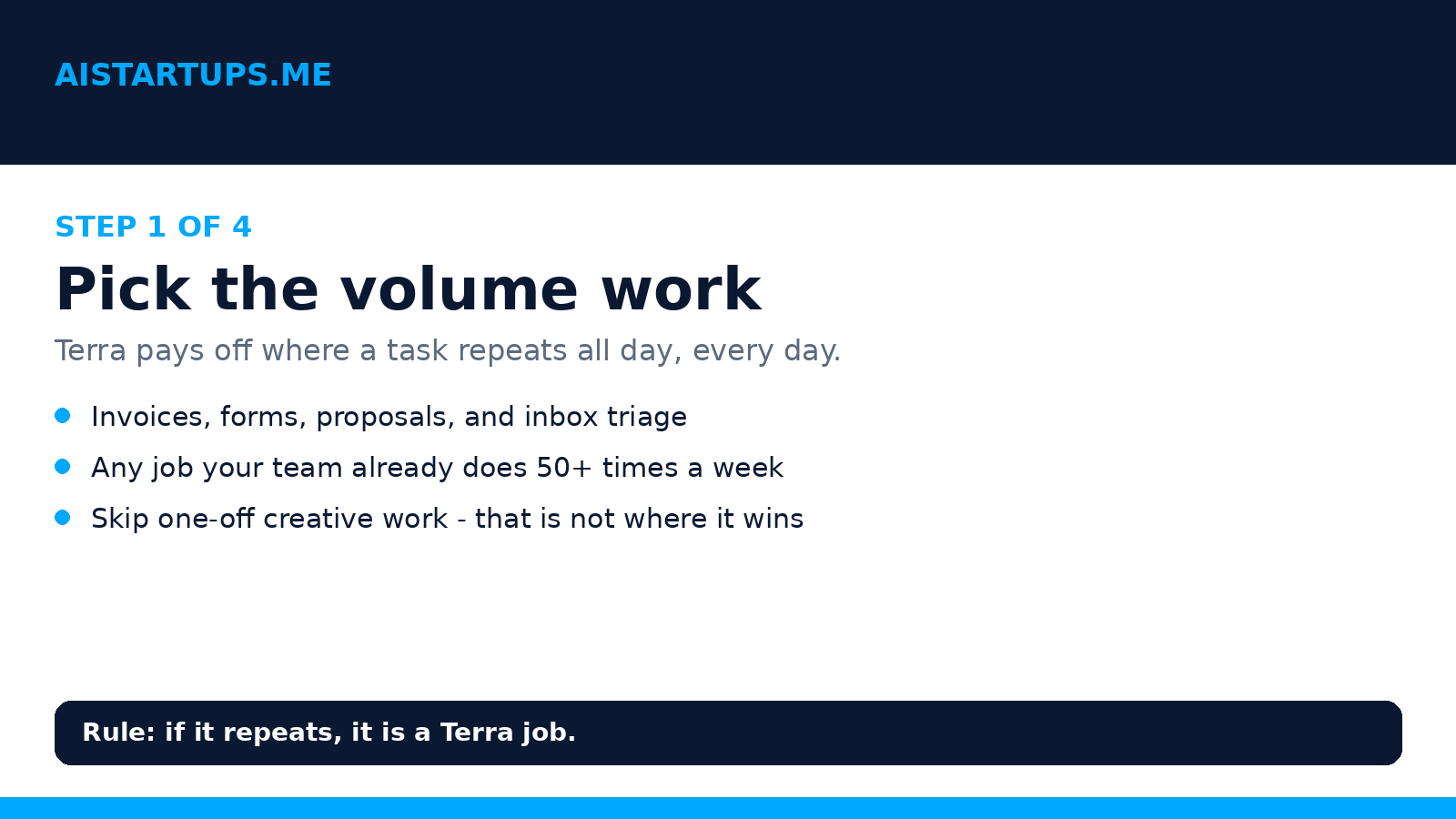
Step 1: Pick the volume work
Don’t start with the most exciting task. Start with the most repeated one. Look at your team’s week and count: which job happens 50 or more times? Invoice entry, form-filling, proposal drafting, inbox triage — pick one. One workflow, one owner, one week. If you can’t name the task and count its repetitions, you’re not ready to automate it yet. Go count first.
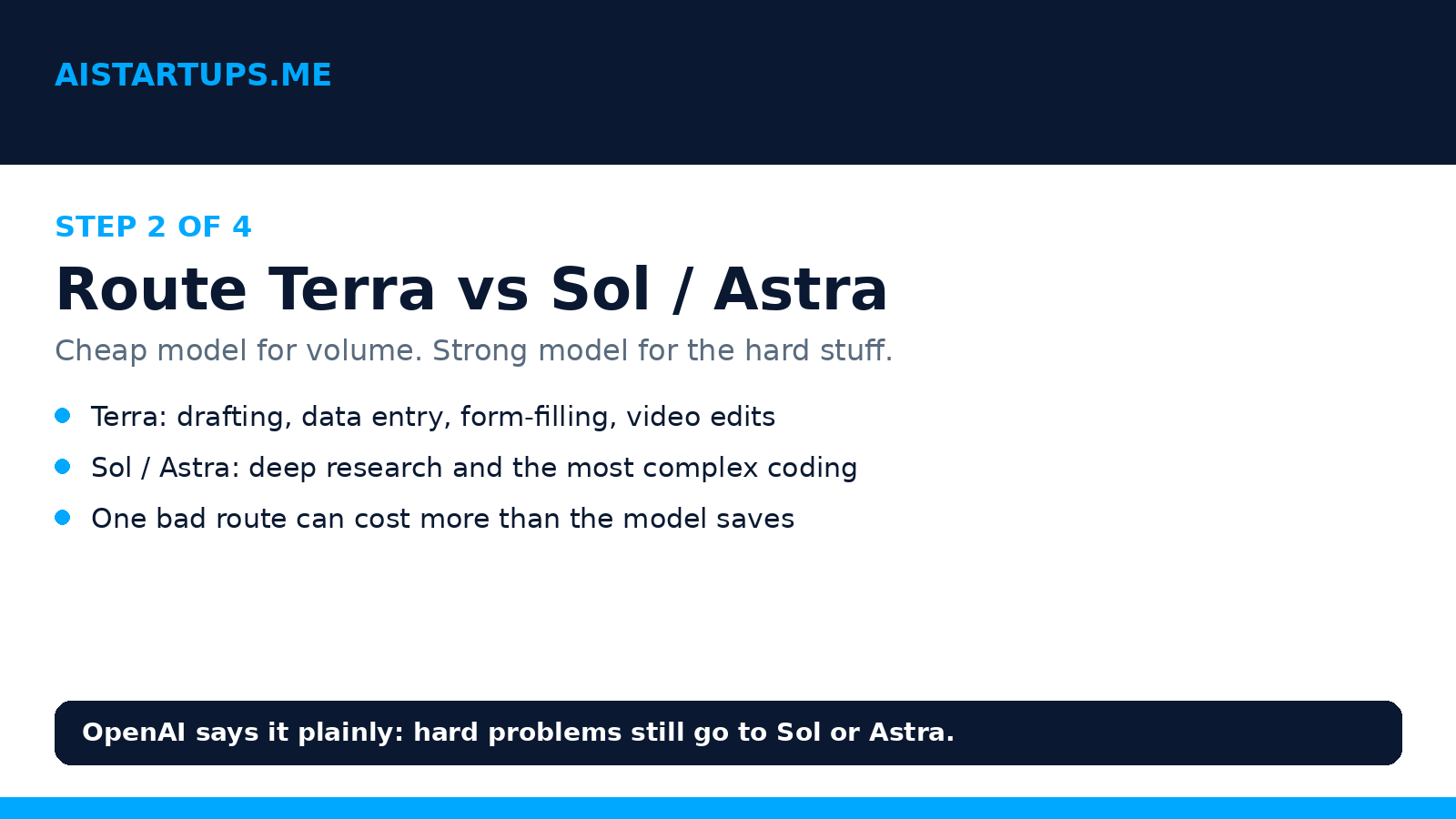
Step 2: Route Terra vs Sol and Astra
Write the routing rule down, literally. Terra handles the volume jobs: drafting, data entry, form-filling, video assembly. Sol or Astra handle deep research and the most complex coding. Every task your team sends to a model should hit this rule first. Why write it down? Because without a rule, everyone defaults to the strongest model “just to be safe,” and your cost advantage evaporates in a week. The routing rule is what protects the savings.
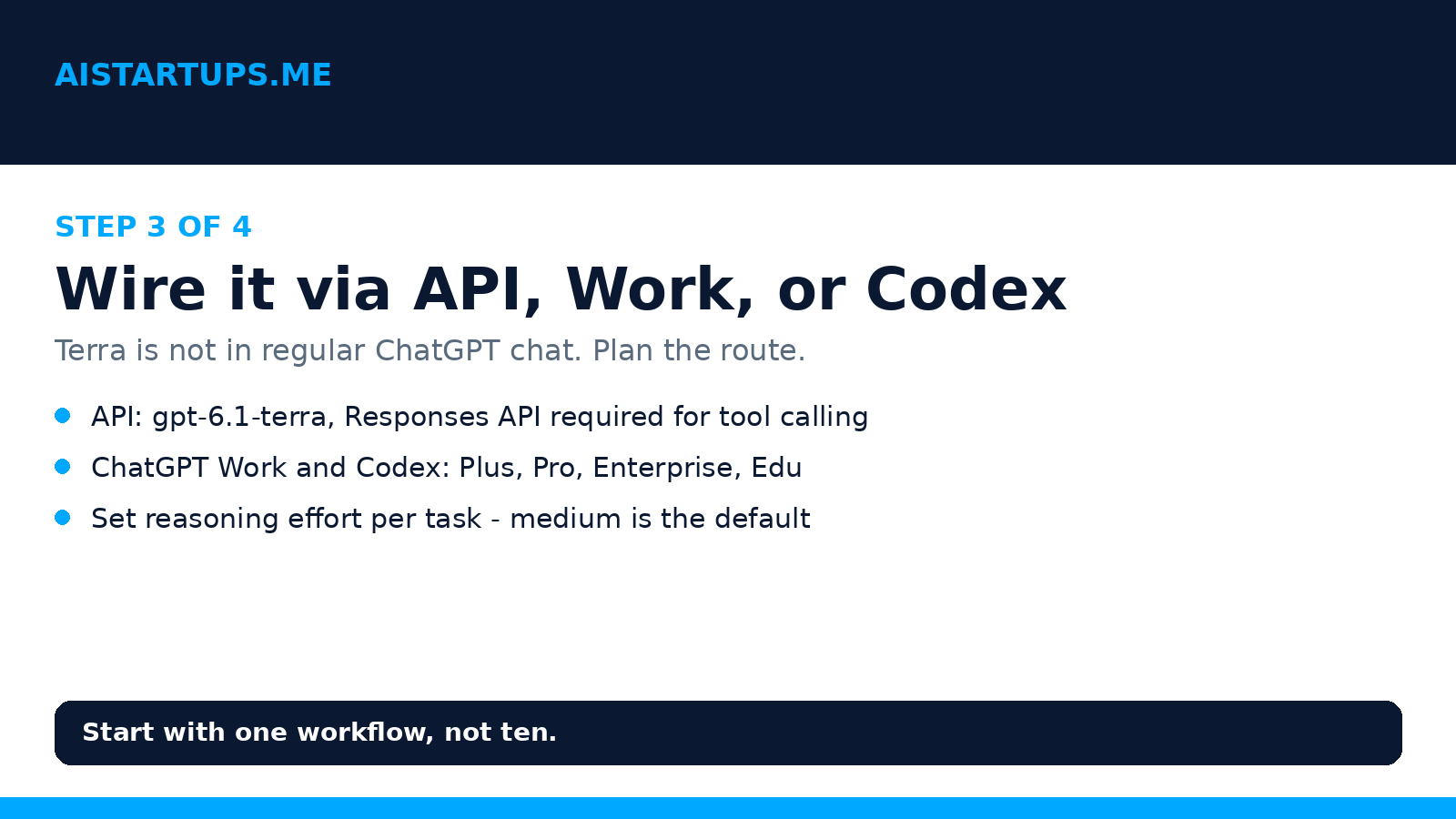
Step 3: Wire it via API, Work, or Codex
Choose your route based on who’s doing the work. Builders and automation go through the API with the id gpt-6.1-terra — and remember, tool calling needs the Responses API. Teams working inside ChatGPT go through ChatGPT Work, and developers go through Codex, on Plus, Pro, Enterprise, Edu, or Business plans as listed. Set reasoning effort deliberately: medium is the default and a sensible start, but remember the benchmarks moved a lot between low, medium, and max effort. For money-touching tasks, test max effort and see if the accuracy gain is worth the cost. For bulk drafting, medium or lower may be plenty.
One practical note for founders who don’t want to build this themselves: if you need a product, a website, or an AI integration built around a model like this and your team doesn’t have the bench for it, that’s exactly the kind of build a web development studio like AISquadX handles — the integration work is the part most teams underestimate, and getting it right early saves a painful rebuild later.
Step 4: Measure cost per task
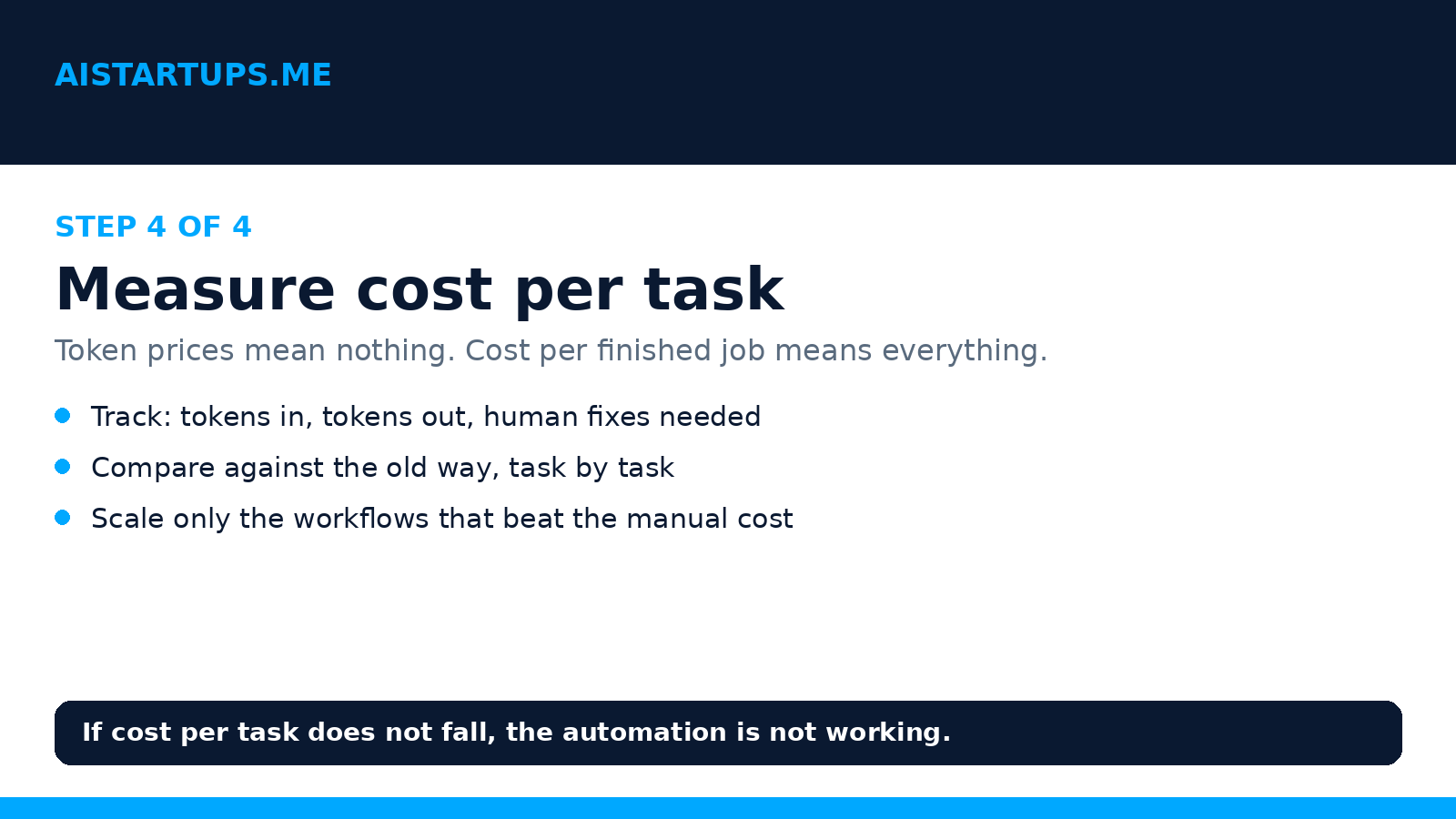
This is the step everyone skips, and it’s the only one that tells you whether any of this worked. Token prices are not your metric. Cost per finished task is. For your pilot workflow, track three things: tokens in, tokens out, and human fixes needed. Then compare against the old way: what did that task cost in staff time before? If Terra’s cost per finished, correct task is lower, scale it. If it’s not — if the fix rate eats the savings — change the workflow before you scale it. MadRobot’s take makes a similar point: the half-price headline only matters if the work actually gets done right.
A few traps to watch while you measure. First, the 272,000-token prompt threshold — keep an eye on prompt sizes as you scale, or the higher rate tier will quietly eat your savings. Second, cached input is nearly free, so design prompts that reuse context instead of restating it every time. Third, don’t judge a workflow on its first day. Error rates fall as prompts improve, and prompt improvement is the actual work of week one.
Terra vs the Rest of Your Stack
How does Terra sit next to the other models your team already uses? Think of it as a division of labor, not a replacement. Claude Sonnet 5.5 remains a strong choice for long, careful writing and analysis work. GPT-6’s Intelligent UI changes how answers look and feel inside ChatGPT. Dots pushes toward agents that run on their own. Terra fills the gap underneath all of that: the sheer volume of screen work that nobody wants to do and everybody has to do.
That division is also why the price cut matters more than the benchmark jumps. Benchmarks get beaten every few months. A 50% price cut on the model that does your daily volume work changes what you can afford to automate at all. Tasks that were too expensive to hand to a model last month — the long tail of small, fiddly jobs — just became viable. The question isn’t whether Terra is the best model. The question is which jobs in your company just crossed the line from “too expensive to automate” to “why are we still doing this by hand?” Go find those jobs. That’s where the money is.
And one more founder-level thought. When a vendor halves the price of a capability, the advantage doesn’t go to the company that reads about it first. It goes to the company that ships a workflow on it first, while competitors are still forwarding the announcement around. The window here is weeks, not years. Everyone will have cheap computer-use models soon. The edge is in the workflow you build this month, the prompts you refine, the error checks you put in place. That’s the durable part. The model is rented. The workflow is yours.
Frequently Asked Questions
What is GPT-6.1 Terra?
GPT-6.1 Terra is OpenAI’s computer-use model launched October 26, 2026, succeeding GPT-5.6 Terra. It’s built for workday computer tasks — drafting proposals, interpreting technical drawings, filling out forms, editing video, and reading invoices into accounting software. Its API id is gpt-6.1-terra.
How much does GPT-6.1 Terra cost?
Standard API pricing is $1 per 1 million input tokens, $0.05 per 1 million cached input tokens, and $5 per 1 million output tokens. OpenAI says that’s 50% lower than GPT-5.6 Terra and GPT-6.1 Sol. Prompts above 272,000 input tokens are charged at higher rates.
Is GPT-6.1 Terra available in regular ChatGPT?
No. Terra is available in ChatGPT Work and Codex for Plus, Pro, Enterprise, and Edu users (OpenAI’s release notes also list Business). It is not in regular ChatGPT chat, and free or Go plans are not listed. If you only use the standard chat window, you won’t find it there.
How good is GPT-6.1 Terra, really?
On OpenAI’s own benchmarks, strong for computer-use work: 50.3% on Terminal-Bench 4.0 at max effort (versus 21.5% for GPT-5.6 Terra), +15 percentage points over 5.6 Terra on Agents’ Last Exam at medium effort at about one-third the cost, and an error rate down to 4.3% at max effort on OpenAI’s internal error-inducing-prompts test. Treat these as vendor claims until independent tests confirm them — and test on your own tasks.
When should I use Terra instead of Sol or Astra?
Use Terra for high-volume, repeatable computer work where cost per task matters most. Use GPT-6.1 Sol or GPT-6 Astra for in-depth research or the most complex coding — OpenAI itself recommends the stronger models there. The Prompt Insider’s launch coverage makes the same distinction: Terra is the value play, not the flagship.
The Bottom Line
GPT-6.1 Terra isn’t the most exciting model OpenAI has launched this year. It’s something better for a founder: a cheaper, faster workhorse for the jobs that fill your team’s week. Half the price of its predecessor. A million-token context window. Benchmarks that, if OpenAI’s own numbers hold, put it near the flagship on computer-use work at a tenth of the token price. And a clear, honest limit: the hardest research and coding still belong to Sol and Astra.
So here’s my advice. Pick one repeated workflow this week. Route it to Terra. Measure the cost per finished task, not the cost per token. If it beats the manual way, scale it to the next workflow. If it doesn’t, fix the prompt before you blame the model. The founders who win from a launch like this aren’t the ones who read the most coverage. They’re the ones who ship one working automation while everyone else is still debating the benchmarks. Go be that founder.