
Imagine your newest hire has no face, no desk, and no salary — but it has its own email address, its own calendar, and its own Drive folder. It CCs itself on threads. People on your team can @mention it in Google Chat like a colleague. And when you close your laptop at midnight, it just… keeps working.
That’s what Google announced yesterday (October 8, 2026) at its “Gemini at Work 2026” event: the Gemini Agent, which Google describes as a single, universal agent for work. I’ve read through the announcement coverage, the Google Cloud blog post adapted from CEO Thomas Kurian’s keynote, and the write-up on The Keyword — and honestly? This one feels different from the usual launch-day hype. Here’s the thing: Google isn’t pitching a smarter chatbot. It’s pitching coworkers — persistent, identity-carrying agents that live inside the tools your team already uses.
Look, if you’re running a startup, this matters more than most launches. A five-person team with the right agents can plausibly do the work of a fifteen-person team. So let’s get into what it actually does, what it costs (spoiler: the pricing story is surprisingly good), how it compares to the rivals that launched in the last two weeks, and how you can get access now.
What the Gemini Agent Actually Is (and Isn’t)
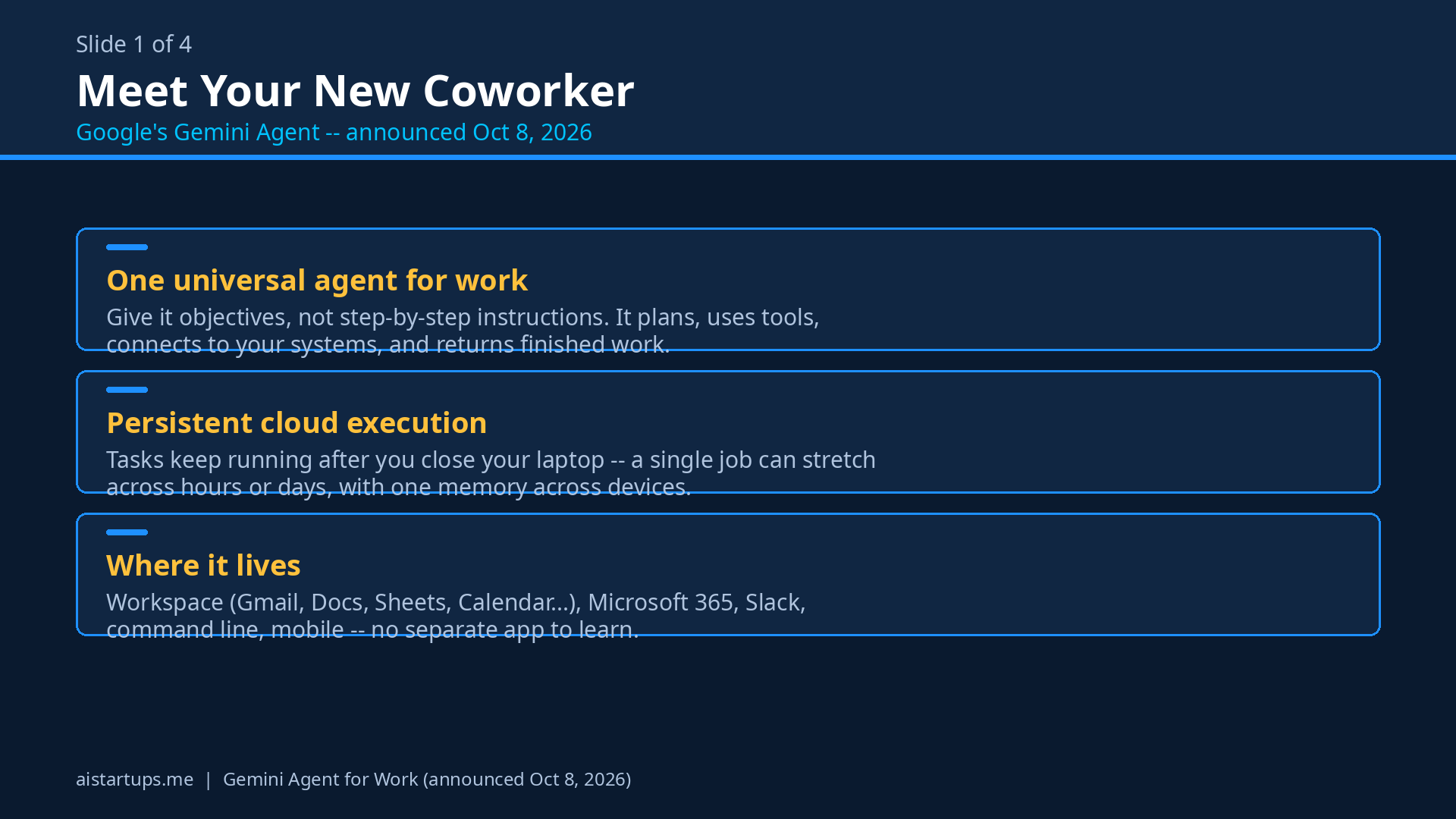
The core pitch is deceptively simple. You give the agent objectives, not step-by-step instructions. Then it plans the work, reaches for the tools it needs, connects to your business systems, and returns finished work — inside the docs, inboxes, and dev environments people already use.
That’s a real distinction worth pausing on. Most AI tools in 2026 still operate like very fast interns: you feed them a prompt, they produce an output, you copy-paste the result into the right place yourself. The Gemini Agent is meant to be the intern who does the whole job — including filing it in the right folder and emailing you when it’s done.
It’s not a standalone website or a separate app you have to install. Google says it behaves like a software version update — once released, it’s just there, accessible across the surfaces you already live in: Google Workspace (Gmail, Drive, Docs, Slides, Sheets, Chat, Calendar), Microsoft 365, Slack, the command line, the web, iOS and Android, Windows and Mac desktops. It can even run headless inside third-party apps. No new login, no new tab to remember, no “wait, which tool does that?” confusion.
Real talk: that distribution strategy is Google’s superpower here. Everyone else is asking you to come to their app. Google is putting the agent inside the inbox you’re already staring at.
The Headline Feature: Coworker Agents With Their Own Identities
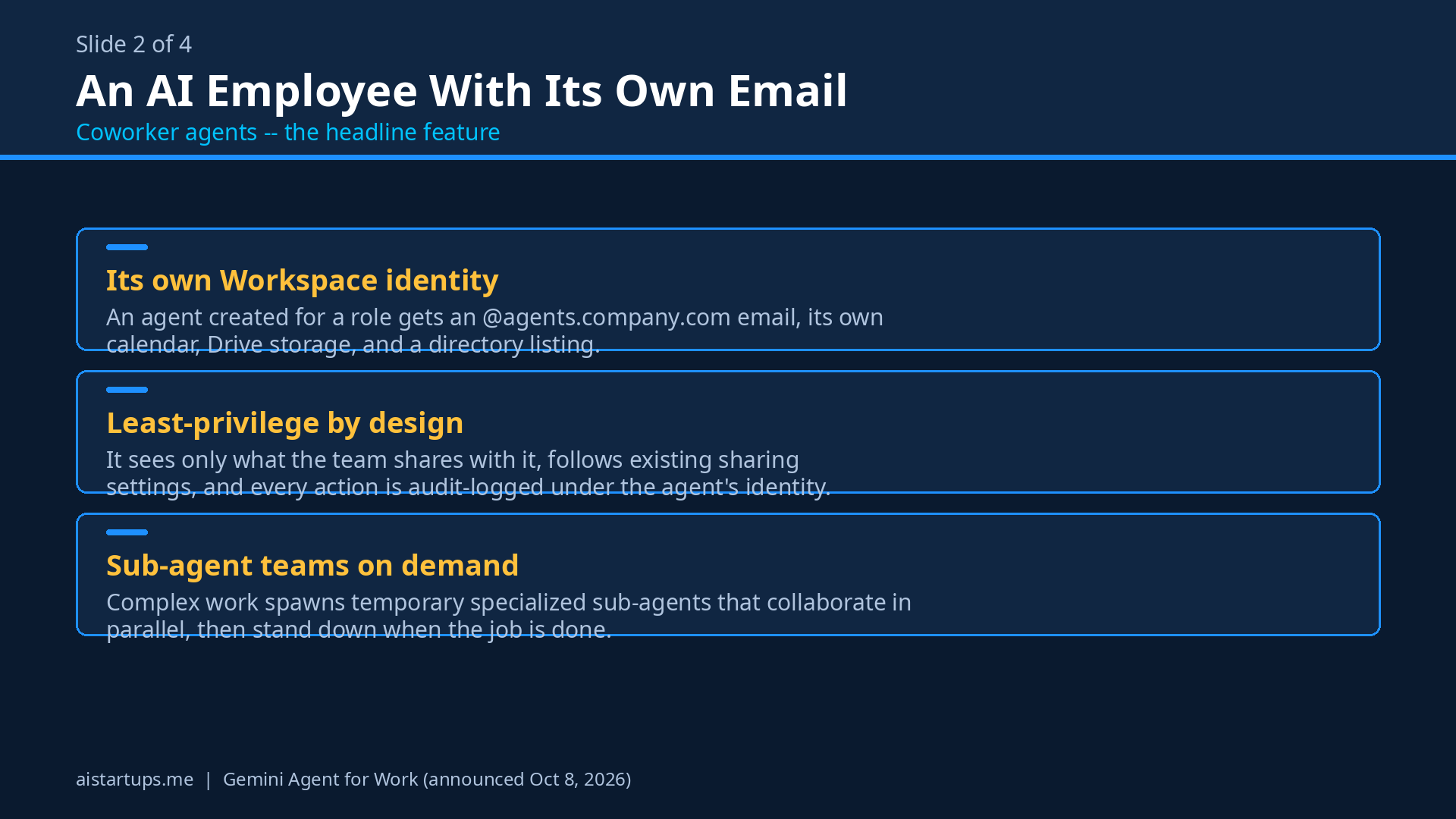
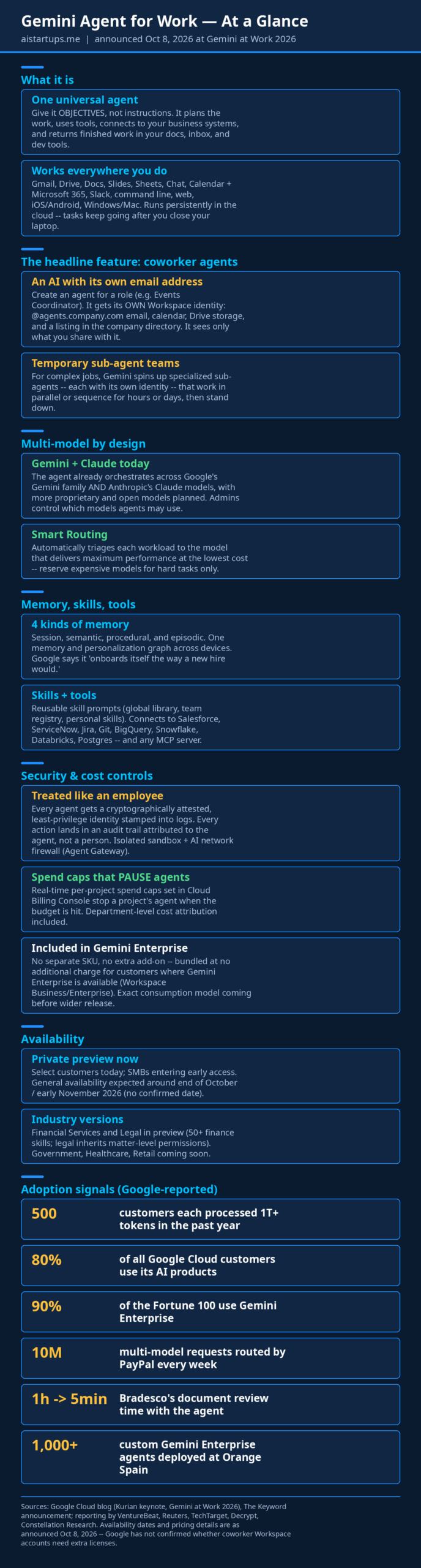
Okay, this is the part that made me sit up. You can create an agent for a role — Google’s example is an “Events Coordinator” — and that agent gets its own Workspace identity: its own @agents.company.com email address, its own calendar, its own Drive storage, and a listing in your company directory.
It only sees what your team shares with it. It follows your team’s existing sharing and membership settings — so if a doc is private, the agent can’t see it unless it’s invited, same as a human colleague. Team members can mention it in Google Chat or inside a doc, and it responds like… well, like a colleague.
Think about what that means for a small startup. Your “Operations Assistant” agent gets @agents.yourcompany.com. It sits in the standup channel. It has access to the shared folders you gave it. It drafts the weekly report on Friday. It never forgets, never quits, and never needs onboarding — well, mostly. (More on onboarding in a minute.)
For complex multi-step work, the agent can also spin up temporary sub-agents — each with its own identity — that work in parallel or sequence, sometimes for hours or days, then wrap up and disappear. Your invoice-reconciliation project gets its own little task force, and you never even have to name the members.
How It Works Under the Hood (Founder-Accessible Version)
You don’t need an AI engineering degree to get the architecture. There are really four pieces:
Multi-model orchestration, not just Gemini
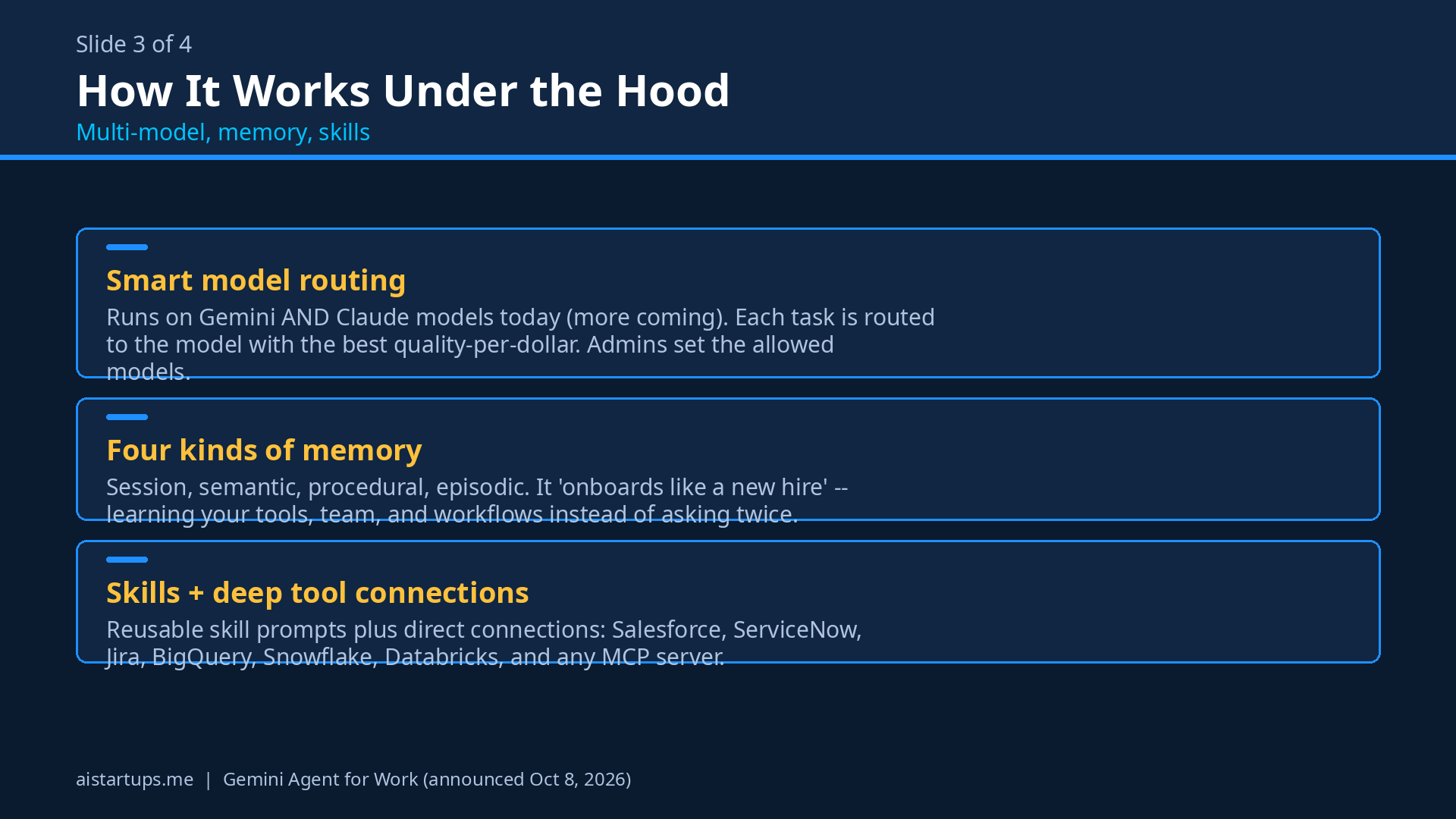
Here’s a genuinely surprising move: the Gemini Agent runs on Google’s Gemini models and Anthropic’s Claude models today, with more proprietary and open models planned. “Smart Routing” automatically triages each workload to the model that delivers the best performance at the lowest cost. Enterprise admins can restrict which models their agents are allowed to use.
Pause on that for a second. Google — Google — shipping Anthropic’s model inside its flagship agent, two days after Anthropic’s Claude landed in Google Workspace itself. That’s either admirable pragmatism or a sign that the model race has moved downstream, to whoever controls the agent layer. Probably both. For you as a founder, it means you’re not locked into one model’s strengths and weaknesses — the agent picks the best tool for each job.
Memory that actually persists
Google describes four kinds of memory — session, semantic, procedural, and episodic — and claims the agent “onboards itself the way a new hire would,” learning the user, the tools, and the team before it starts real work. The execution is persistent and cloud-based: it keeps working after you close your laptop, and a single task can stretch across hours or days, with one memory, context, and personalization graph across all your devices.
I’m slightly skeptical about the “onboards itself like a new hire” framing — we’ll see how true that is in practice. But the persistent execution part is the real deal. Agents that die when your laptop sleeps are toys. Agents that keep going are workers.
Skills: workflows you can share
“Skills” are reusable sets of instructions and workflows, stored as modular prompts. There’s a global skills library that ships with the agent, teams can publish custom skills to a shared company registry, and individuals can build personal skills. If your sales team figures out a killer qualification workflow, it becomes a skill the whole company can use. That’s institutional knowledge, codified — the kind of thing big companies pay consultants to document.
Tools: it plugs into everything
The tools layer covers Salesforce, ServiceNow, Jira, Git, BigQuery, Snowflake, Databricks, Postgres, Confluence, Teams, Workspace, desktop files — plus any Model Context Protocol (MCP) server, and an enterprise tools registry for publishing internal tools. If your startup runs on a stack of SaaS tools, this is the agent reaching directly into them instead of you copy-pasting between tabs.
The Cost Controls: Why This Actually Matters for Startups
This is the section I’d read twice. Autonomous agents that run for hours have a terrifying property for a startup budget: the meter is always running. One runaway agent with a bad loop could, in theory, burn through your AI budget while you sleep. (If you’ve ever watched an API bill balloon overnight, you know the feeling — here’s how founders are cutting AI API bills by up to 70%.)
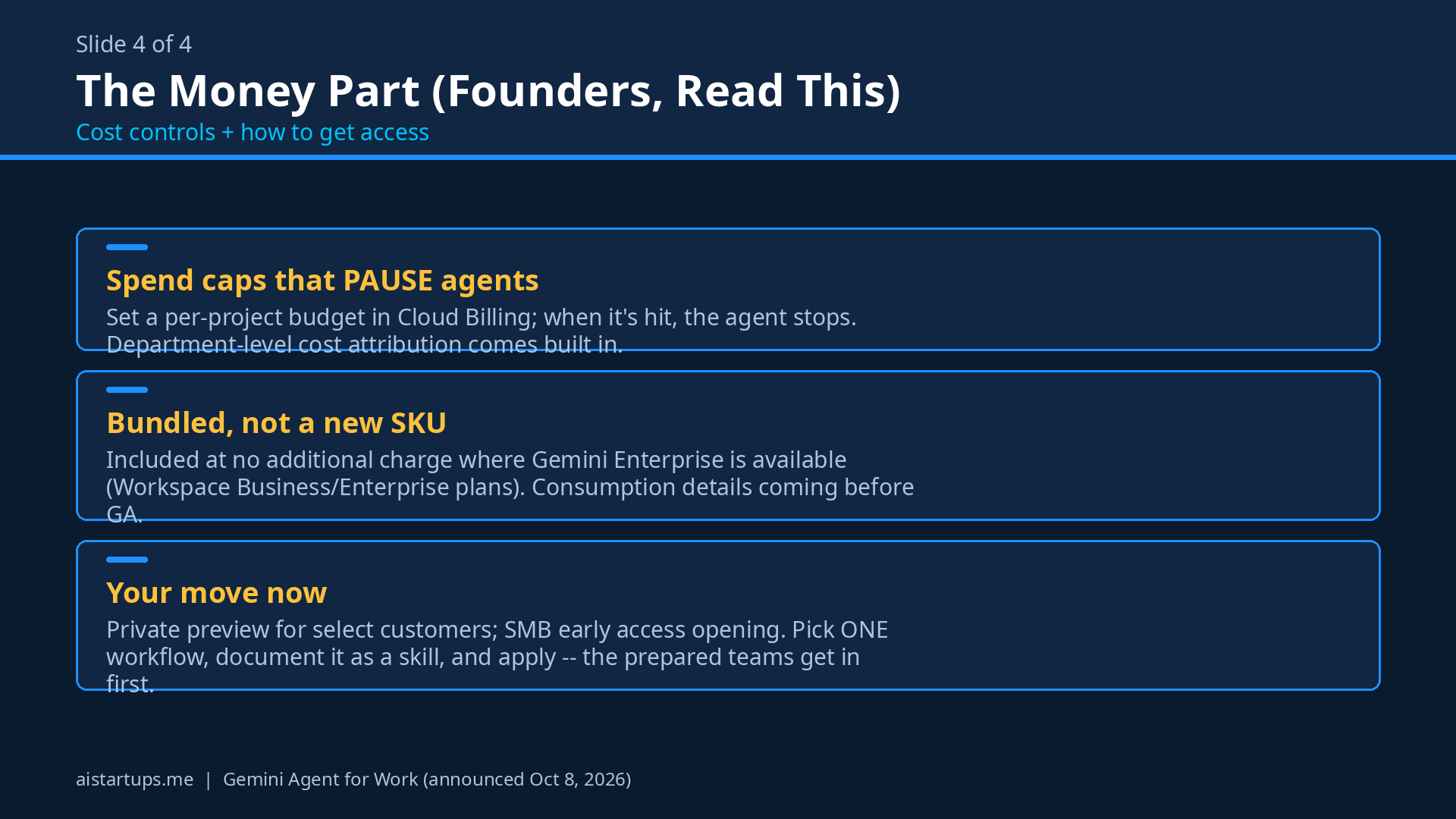
Google seems to have taken that fear seriously. The standout feature: real-time per-project spend caps, set in the Cloud Billing Console, that PAUSE a project’s agent when triggered. Your agent hits its budget? It stops. Not a warning email at 2 AM — an actual pause. There’s also department-level cost attribution, so you can see which team’s agents are burning what.
Combined with Smart Routing (cheapest capable model per task), this is the first agent platform I’ve seen that treats cost control as a first-class feature rather than a billing-page footnote. Honestly, that’s what makes this usable for a startup. An agent without a kill switch on spend is a liability, not an employee.
And the pricing news is genuinely good: the agent is included at no additional charge for customers where Gemini Enterprise is available — including existing Google Workspace business and enterprise subscriptions. No separate SKU. Now, the honest caveat: Google hasn’t yet shared the exact consumption model for usage, and says more detail is coming closer to wider release. So “no additional charge” covers access; extended autonomous compute may still get metered somehow. We don’t know yet. But the starting position — you’re already paying for it if you’re on Workspace business or enterprise — is a big deal.
How It Stacks Up Against the Competition
Here’s the thing about timing: October 2026 has been an absolute blur for agent launches. It helps to see where Gemini sits in the pack.
- OpenAI’s dots agents (launched at DevDay, September 29) are always-on agents that work across connected apps — the closest rival to Google’s “universal agent” pitch. We broke down OpenAI’s dots for startups here. Google’s edge: native presence in Workspace and Microsoft 365 rather than a new surface.
- Anthropic’s Claude for Google Workspace (announced October 6 — literally two days before Google’s own announcement) adds native editing in Docs, Sheets, and Slides via a sidebar. It’s a great assistant. Gemini Agent is aiming one level up: the agent that does the whole job, not just drafts inside the sidebar. Awkward timing for Anthropic, honestly — and Google answered by embedding Claude inside its own agent.
- Microsoft Copilot (updated September 25 with Home, Cowork, Code, and an Autopilot agent) remains the strongest play inside the Microsoft 365 world. If your startup lives in Teams and Outlook rather than Google, Copilot is still your native option. Google’s counter-move is explicit Microsoft 365 support — it wants to be universal, not just Workspace.
- Meta’s Muse personal agent (last month) is angled at consumers and small business. Our Meta Muse guide covers the small-business angle. Different weight class — personal productivity vs. enterprise coworkers.
- SpaceXAI’s Grok Bot (persistent workers with their own computers, launched August; Team Bots went public beta September 28) is the most similar idea structurally — persistent agents with their own environments. Google’s version is less “its own computer” and more “its own identity inside your systems.”
Google’s differentiators, honestly assessed: distribution inside tools you already use, the coworker-identity model, multi-model support (including a direct competitor’s model), and the spend-cap cost controls. The unresolved questions are real too: will every agent need its own Workspace license? What does extended autonomous compute actually cost once the consumption model is announced? And there are no independent benchmarks yet on how reliably these agents handle long, cross-app assignments. Google’s numbers are impressive — VentureBeat’s coverage of the announcement walks through the details — but benchmarks from the field will take months. Unite.AI’s breakdown and the Reuters report are worth a read for the straight facts, and TechTarget asks the hard questions Google hasn’t answered yet. Decrypt’s take focuses on the coworker-identity angle, and Constellation Research has the enterprise analyst view.
For early adoption signals, the customer names Google put forward are worth noting: On tested the dynamic model selection, Shopify blends frontier models across millions of merchants, PayPal routes 10 million multi-model requests every week, Bradesco cut document review from an hour to five minutes, and Orange Spain has deployed 1,000+ custom Gemini Enterprise agents. The scale numbers behind it: nearly 500 Google Cloud customers each processed more than a trillion tokens in the past year, nearly 80% of Google Cloud customers use its AI products, and nearly 90% of the Fortune 100 use Gemini Enterprise. Big-company energy, sure — but the architecture is exactly what a small team needs most.
How a Founder Can Get Access Now
Let’s be concrete. As of today, the Gemini Agent is in private preview for select customers, with general availability expected around the end of October or early November 2026 (Google hasn’t confirmed a date). Industry-specific versions are in preview for Financial Services and Legal; Government, Healthcare, and Retail are coming soon. And notably — SMBs are entering early access, which is where most startups will get in.
So what should you actually do this week?
- Make sure you’re on a qualifying Workspace tier. The agent ships inside Gemini Enterprise availability, which includes existing Google Workspace business and enterprise subscriptions. If you’re still on a legacy or consumer plan, this is the nudge to look at your tier.
- Pick one use case. Don’t pitch your team “AI agents.” Pick one painful, repeatable workflow — weekly reporting, lead qualification, meeting-prep briefs, invoice chasing. One objective. One agent. Measure it.
- Start thinking in skills. The teams that get the most out of this will be the ones that codify their best workflows into the shared skills registry early. Your future agents are only as good as the playbooks you give them.
- Talk to your Google rep (or watch the early-access queue). Private preview is select-customer only, but SMB early access is the on-ramp. Get on the list now; the queue will not get shorter.
If you’re building on top of this — custom skills, internal tool integrations via MCP, a real deployment across your systems — that’s genuinely specialized work, and it’s exactly the kind of thing an AI integration studio like AISquadX can help you scope and ship without burning your engineering team’s quarter.
Practical First Use Cases for a Startup
Forget the enterprise demo reel. Here’s what I’d actually deploy first at a small startup:
- The meeting-prep agent. Owns a calendar, reads the attendee list, pulls context from Drive and past emails, and drops a one-page brief in your inbox 30 minutes before every meeting. Objective: “never let me walk in cold.”
- The reporting agent. Connected to BigQuery, it generates the weekly metrics report as a Slides deck every Monday at 8 AM, saved to the shared folder. Google’s data-skills story is built for this: describe the outcome in plain language, it generates the pipeline, and saved reports rerun on demand without token costs.
- The inbox triage coworker. With its own email identity, it monitors the support@ alias, drafts replies from the knowledge base, and escalates only what needs a human. It follows your team’s sharing settings, so it can’t wander into private threads.
- The research sub-agent swarm. For market or competitor research, one agent spawns temporary specialized sub-agents that each dig into a competitor or data source in parallel, then synthesize. Hours of work, compressed.
“The most expensive employee at your startup is the one doing work a $0 marginal-cost agent could do — and the cheapest is the one you never have to hire.”
FAQ
Is the Gemini Agent available to the public right now?
Not yet. It’s in private preview for select customers, with general availability expected around the end of October or early November 2026 — Google hasn’t confirmed an exact date. SMBs are entering early access, so small businesses and startups should watch for the early-access on-ramp rather than waiting for full GA.
How much does it cost?
Here’s the good part: it’s included at no additional charge for customers where Gemini Enterprise is available, including existing Google Workspace business and enterprise subscriptions — there’s no separate SKU. The catch is that Google hasn’t shared the exact consumption model for usage yet, so if extended autonomous tasks get metered separately, we don’t know the rates. The real-time spend caps in the Cloud Billing Console mean you can at least put a hard ceiling on it.
Does it really get its own email address and calendar?
Yes — that’s the “coworker agent” model. You create an agent for a role (like Events Coordinator), and it gets its own @agents.company.com identity: email, calendar, Drive storage, and a company directory listing. It only sees what your team shares with it, following your existing sharing settings, and colleagues can @mention it in Chat or in docs. Google hasn’t clarified whether every agent needs its own Workspace license or just the coworker agents — that’s one of the open questions.
Which AI models does it use?
Both Google’s Gemini models and Anthropic’s Claude models today, with more proprietary and open models planned. “Smart Routing” picks the model per workload for the best performance at the lowest cost, and enterprise admins can restrict which models their agents may use. Google confirmed that prompts, docs, and chat histories stay inside Gemini Enterprise when third-party models are used, though it didn’t specify data retention or residency details.
Is it safe to give an agent access to my company’s systems?
Google’s governance story is more serious than most: every agent gets its own cryptographically attested, least-privilege identity stamped into logs; every action goes into an audit trail attributed to the agent, not a person; agents run in isolated containers (“Agent Sandbox”) with restricted outbound communication; and an “Agent Gateway” acts as an AI network firewall enforcing org policies in real time. OAuth identity propagation carries proper permissions into external systems. That said — start with read-mostly workflows and tight sharing settings, and use the spend caps from day one. Trust, but verify.
The Bottom Line
Google’s Gemini Agent is the most complete answer yet to a simple question: what if your AI didn’t just answer questions, but did jobs? The coworker model — own email, own calendar, own Drive, mentionable in Chat — is the headline, and it’s genuinely new. The multi-model orchestration (Gemini and Claude, with Smart Routing on cost) is refreshingly pragmatic. And the cost controls — real spend caps that pause agents, department-level attribution — are the thing that makes this actually deployable for a startup instead of just demoable.
The honest gaps: no confirmed GA date, no published consumption pricing, no independent reliability benchmarks for long cross-app work, and open questions about licensing. Don’t bet the company on it this month. But do get on the early-access list, pick your one use case, and start writing down the workflows you’d turn into skills. The founders who have their playbooks ready when this goes wide are going to move very, very fast.