
Yesterday, Meta quietly did something that should matter to you more than most model launches. It took Muse — its personal AI agent, the one that got roughly 2.8 million downloads in its first two weeks — and pointed it at small businesses.
Not a chatbot you paste a link to. An agent that connects to your Instagram professional account, your Facebook Page, your ad account, your Shopify store, your Stripe, your QuickBooks, your Slack. Reads them. Does things inside them. Drafts campaigns, reviews your ad spend, flags emails that need answers, reconciles expenses.
And it launched on September 29, 2026. Like, yesterday. So this is about as current as it gets — I went through the actual announcement, the press coverage, and the fine print so you don’t have to. Here’s the honest version: what it is, how to set it up, what it’s actually good for, what it costs, and the caveats nobody’s leading with.
First: what Muse actually is (it’s not a chatbot)
Real talk — the AI world has a chatbot problem. Everything gets called an “assistant” and 90% of them are just a text box with good manners. Muse is a different animal, and the distinction matters for everything below.
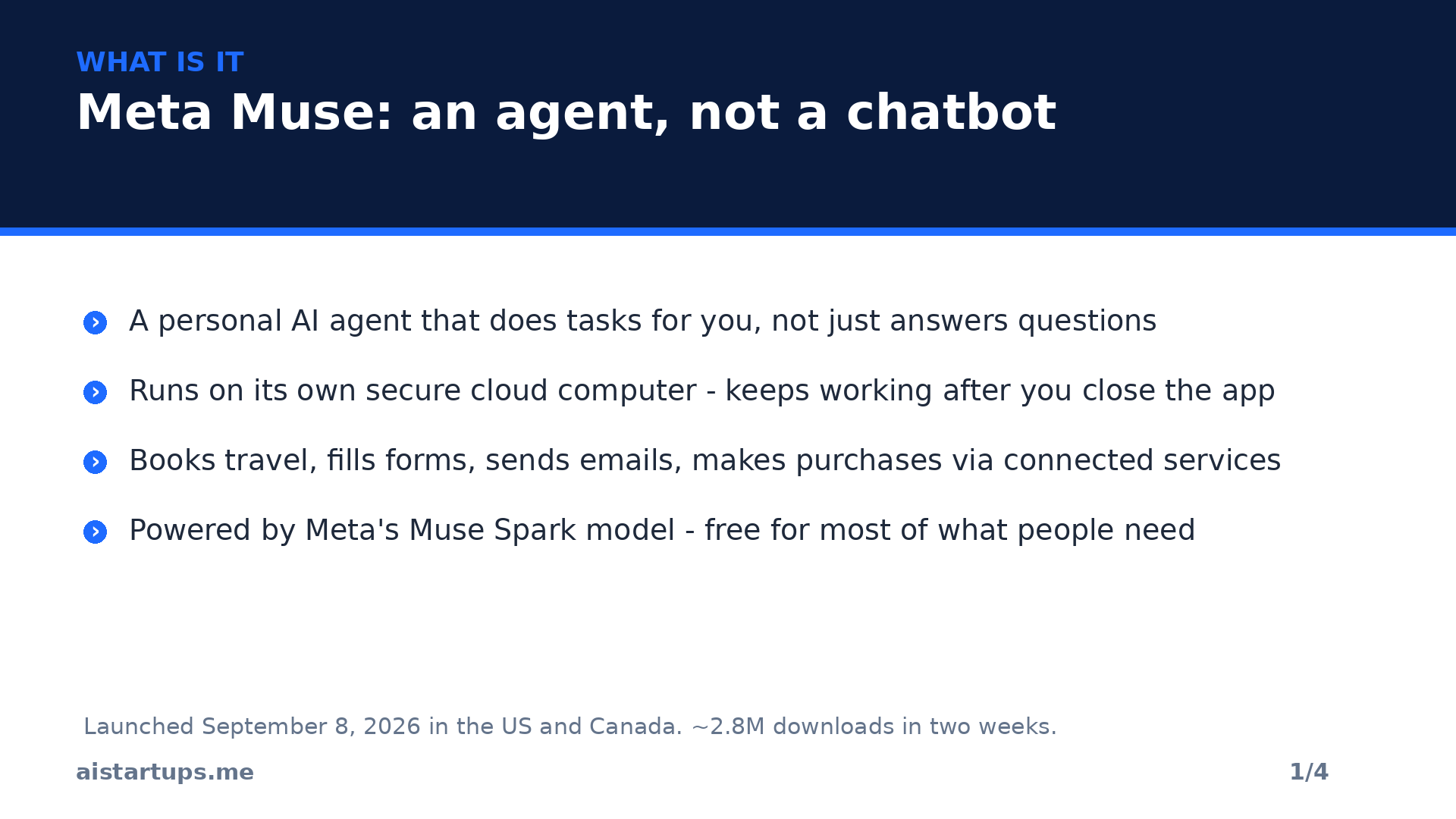
Muse is a personal AI agent. Meta launched the personal version on September 8, 2026, in the US and Canada, and it runs on something called Muse Secure VM — basically its own dedicated cloud computer with its own web browser. Why does that matter? Because Muse doesn’t just answer. It acts. It fills out forms. Books travel. Sends emails. Makes purchases at checkout through the services you connect. And here’s the kicker: it keeps working after you close the app. You give it a goal, it goes off and does the thing, and it checks back in.
If you’ve read the in-depth Muse guide at AI Agents Library (last verified against Meta’s own docs on September 29), the one-liner that stuck with me is this: Meta AI is Meta’s assistant; Muse is Meta’s agent with its own secure computer. That computer is the whole product, honestly. An agent without its own runtime is a parrot. This one has hands.
It asks for your approval before sensitive actions — sending an email, spending money — which is going to come up again, because the approval design is the most important thing about this launch. More on that in a bit.
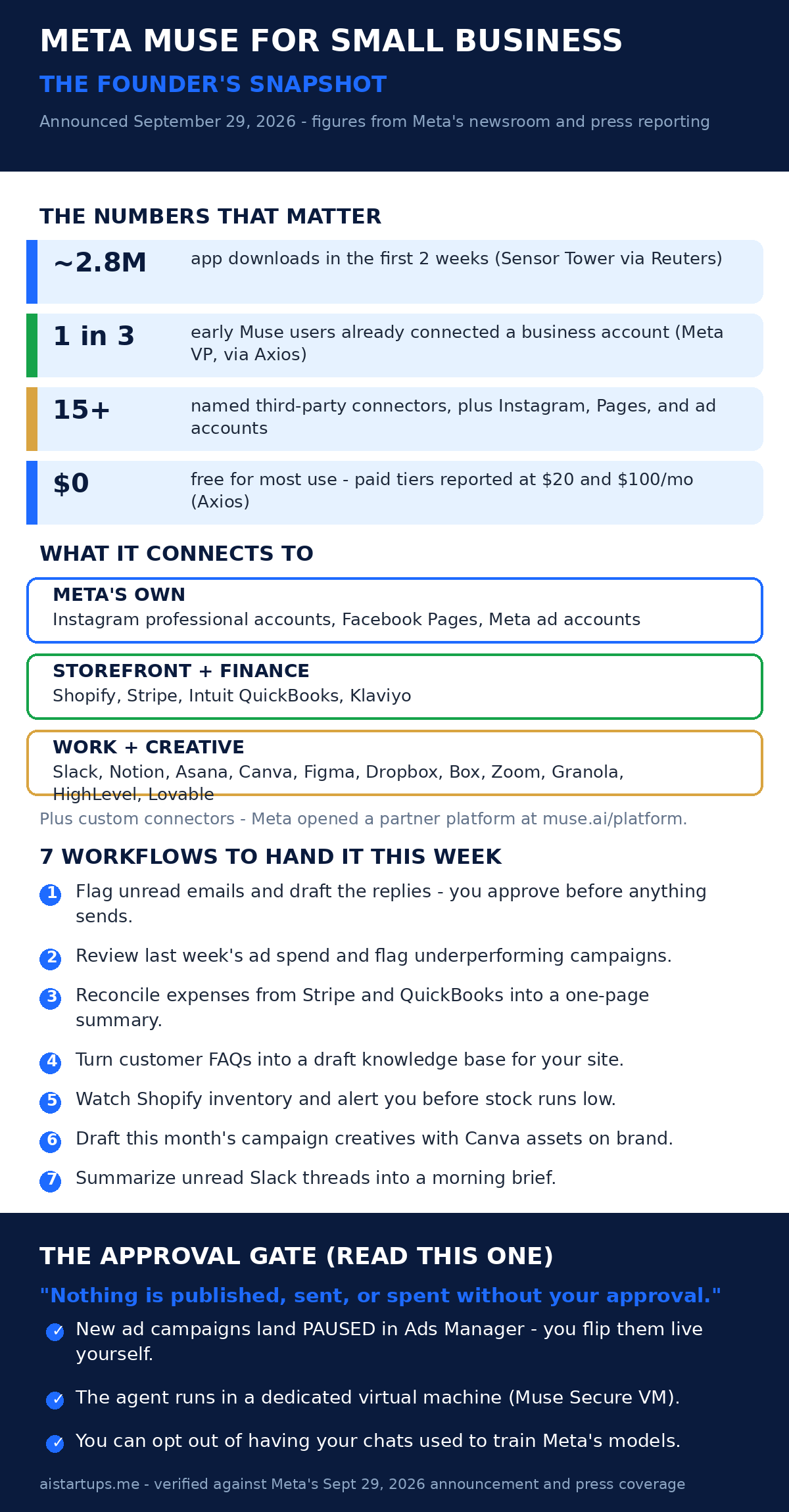
And people are actually using it. Reuters reported roughly 2.8 million downloads in the first two weeks, citing Sensor Tower estimates, and the app topped the free charts in both the US and Canada. That’s a wild start for an AI product that isn’t riding on an existing chat interface. Meta’s AI chief Alexandr Wang has been all over this — he even announced you can add your Muse to your Instagram profile, which, sure, is a little “look at my superintelligent sidekick” for my taste, but it tells you how hard Meta is pushing distribution.
What dropped on September 29: the small-business layer
Okay, so here’s the new part. Yesterday’s announcement — made through Meta’s newsroom — adds small-business skills and connectors to Muse. The pitch, in Meta’s words: “Give Muse a goal — like running your business or finding new customers — and it gets it done.” Grandiose? A little. But the mechanics underneath are concrete, so let’s look at them.
The connector list
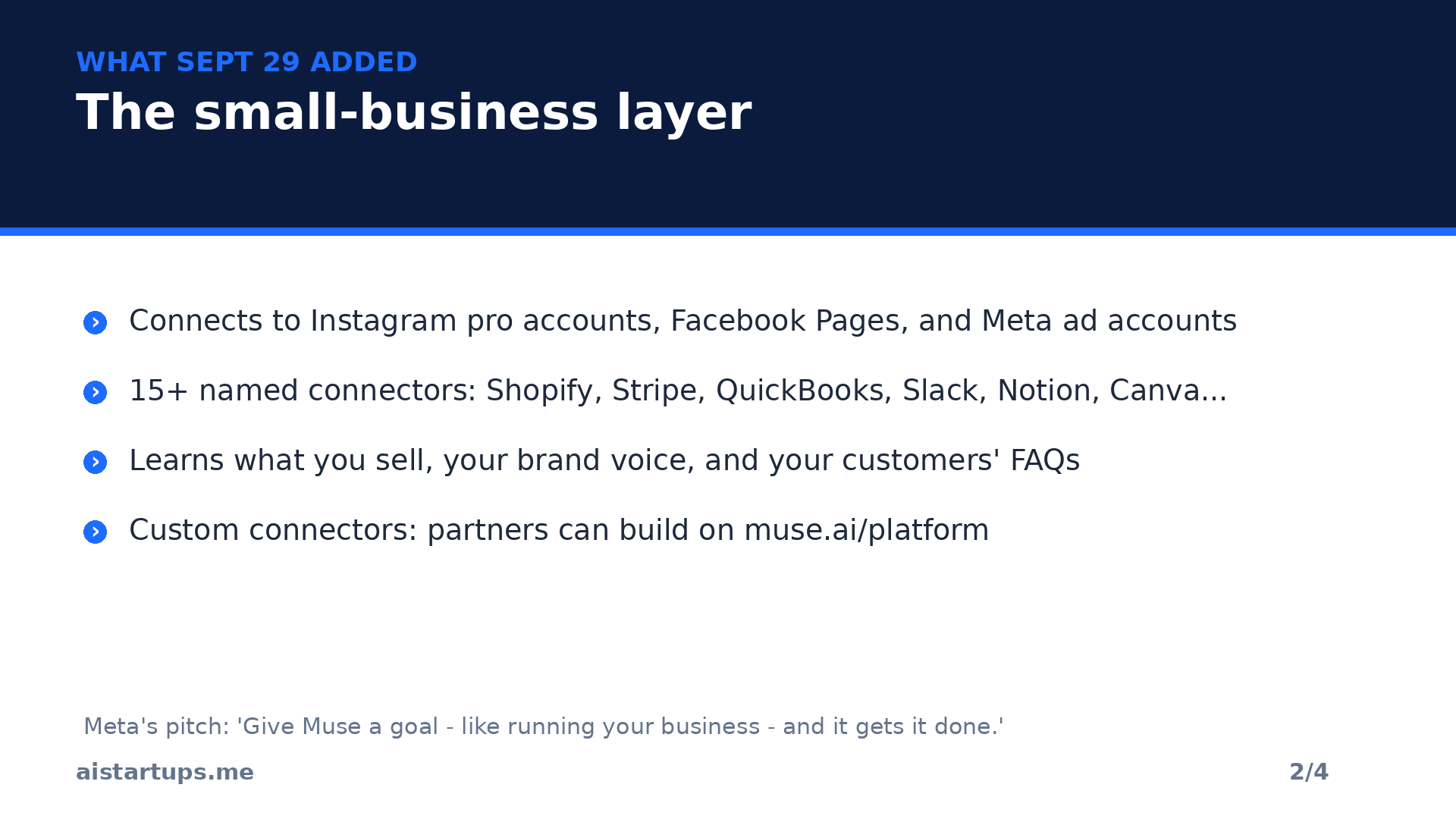
Muse can now plug into your Instagram professional account, your Facebook Page, and your Meta ad account — in a few clicks, per the announcement. Once connected, it reads what you sell, how your brand sounds, and the questions your customers keep asking. That’s the context layer. Then it does the work layer.
Beyond Meta’s own services, the named third-party connectors are: Asana, Box, Canva, Dropbox, Figma, Granola, HighLevel, Intuit QuickBooks, Klaviyo, Lovable, Notion, Shopify, Slack, Stripe, and Zoom. That’s the list Meta published — about 15 named tools, plus Meta’s own three. And Meta says Muse “can also connect to dozens of tools that businesses already run on,” which is Meta’s own unquantified word for it, so take “dozens” with a grain of salt until the full list shows up in the app’s settings.
Here’s the part I find genuinely interesting, though: custom connectors. If your stack isn’t on the list, you’re not stuck — businesses can build their own connectors, and Meta opened a partner platform at muse.ai/platform for developers who want to build native plugins. If you’re not technical, an AI integration studio like AISquadX can wire a custom connector into your existing site and tools in days rather than you reverse-engineering Meta’s docs for a week. That’s a real business opportunity sitting inside this launch, by the way — connector development for small businesses is going to be a cottage industry by Christmas. (If you’re hunting for more of those, our list of profitable AI startup ideas for 2026 is worth a skim.)
What Meta says it can do for you
Per the announcement and the Times Now breakdown: analyze sales and marketing performance, draft campaigns, review expenses, flag messages that may need attention, understand customers, work with business information, and handle routine daily tasks. There’s also an Ideas tab inside the app that suggests uses, and Muse will surface its own ideas — like flagging emails that are still waiting for a reply and writing first drafts for you.
Meta’s example is charmingly specific: Tom Mulholland, who runs Mulholland Grocery in Malvern, Iowa, works about 65 hours a week and wants to spend more of it on the work that actually earns revenue in his store. In a separate example reported by Axios, Muse helped him reconnect his store to Google Maps after he missed an email about its listing. Small, boring, useful. That’s the vibe.
Setting it up: the actual steps
Good news — you don’t need to be technical. The setup is straightforward, but there are a few gotchas worth knowing before you start clicking “connect.”
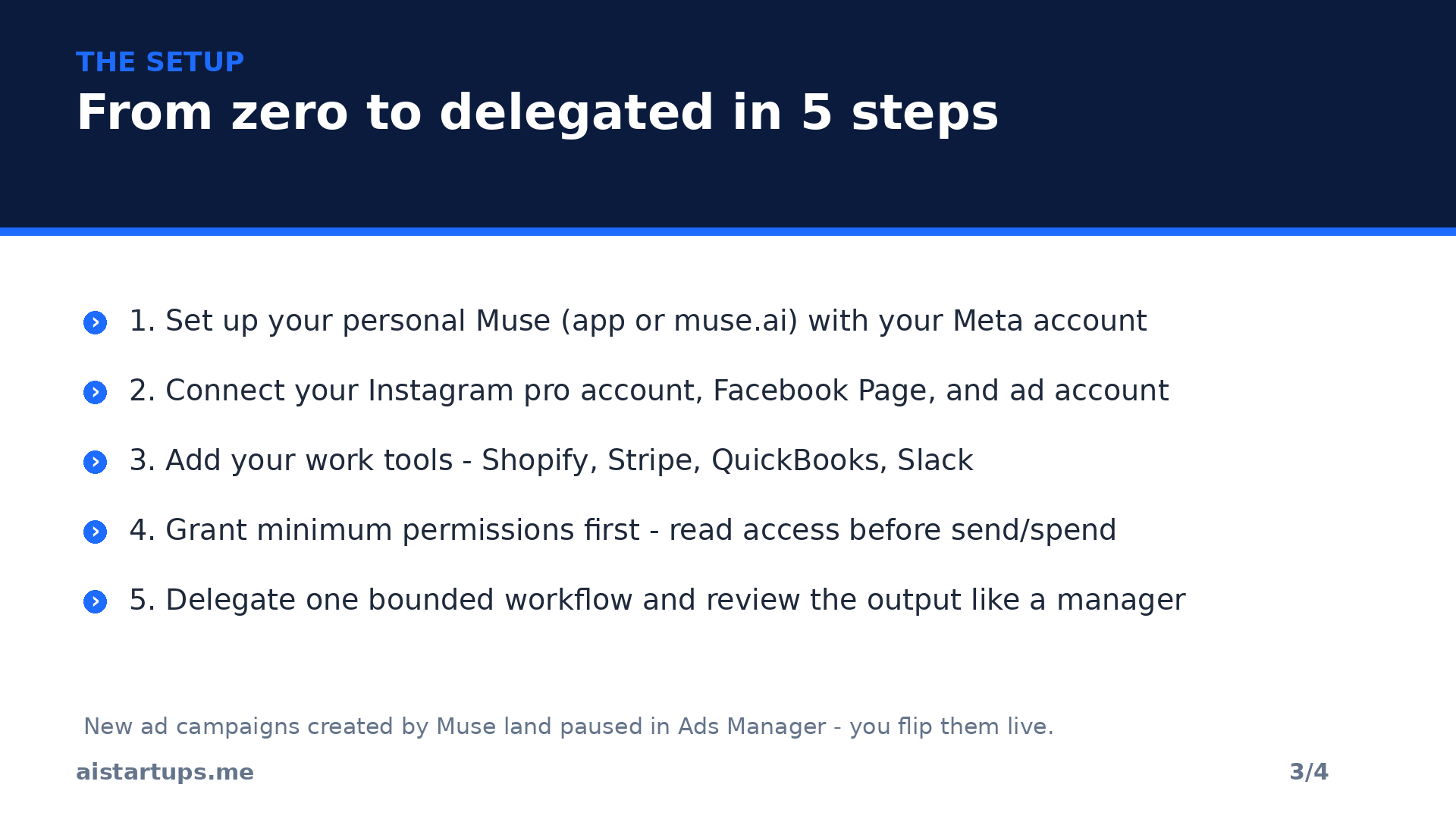
- Set up your personal Muse first. Get the Muse app on iOS or Android, or go to muse.ai, and sign in with your Meta account. Give it a name, pick an avatar. This is required — the business features sit on top of a personal Muse, and the Instagram integration needs it too.
- Connect your Meta business surfaces. In the Muse app settings, link your Instagram professional account, your Facebook Page, and your Meta ad account. This is where Muse learns what you sell, your brand voice, and your recurring customer questions. iPhone in Canada’s coverage has the full connector rundown if you want the details.
- Add your work tools — but start small. Shopify, Stripe, QuickBooks, Slack, Notion, Canva. My advice? Connect ONE at a time, starting with read-only-ish context (analytics, notes, project info) before you hand over accounting, payments, or customer messaging. Every connector is an OAuth grant — treat it like hiring someone with keys to that system, because functionally that’s what you’re doing.
- Read the privacy and permissions screens. Yes, actually read them. Muse runs in a dedicated virtual machine with a separate Sentinel system controlling its internet access, and you can opt out of having your Muse interactions used to train Meta’s models. The Indian Express walkthrough of how Muse handles data is a solid primer. Meta’s privacy track record is… well, you know. The controls exist; use them.
- Delegate one bounded workflow first. Not five. One. Something with real stakes but a small blast radius — a weekly ad-spend summary, say, not your entire customer inbox. Review the output like a manager, give feedback, then widen the aperture.
Oh, and the Instagram profile thing: if you want your Muse on your Instagram profile (a banner under your bio), update Instagram to the latest version, go to Edit Profile, look for the Banners section, and add your Muse. It’s still rolling out, so if you don’t see it, that’s why — not a bug. Digit has the step-by-step with screenshots.
Seven things I’d actually hand it in week one
Enough theory. Here’s where I’d start as a founder — concrete, boring-in-the-best-way tasks that map to what the connectors actually support:
- The unread-email triage. Flag emails awaiting replies and draft responses. You approve before anything sends. This is the single highest-leverage workflow for most founders, and it’s the one Meta explicitly demoed.
- Weekly ad-spend review. Pull last week’s numbers from the ad account, flag underperformers, draft next week’s adjustments. Note: anything it builds lands paused in Ads Manager — more on why that’s good below.
- Expense reconciliation. Stripe transactions plus QuickBooks records into a one-page monthly summary. The kind of thing that currently eats your Sunday.
- Customer FAQ knowledge base. Feed it the questions customers keep asking (it can read these from your connected accounts) and have it draft a knowledge base for your site. Review, publish.
- Inventory watch. Shopify stock levels, alert before things run low. Simple, but “we ran out of the bestseller” is the most expensive sentence in retail.
- Campaign creative drafts. With Canva connected and your brand assets available, have it draft this month’s creatives. You’ll redesign half of them. That’s fine — drafts are the bottleneck, not polish.
- The morning brief. Unread Slack threads summarized into a five-minute read. If you’ve ever opened Slack to 47 red dots and closed it again, you know.
The approval gate — this is the whole ballgame
“Nothing is published, sent, or spent without your approval.” — Meta, on Muse for Small Business
Look, I want to dwell on this because it’s the difference between a product you can actually use and a liability with a login screen. Meta’s core promise for the business edition is that consequential actions require a human tap. Muse can draft all day; it can’t post, send, or spend without you.
The detail that sold me: ad campaigns Muse creates land paused in Ads Manager. You flip them live yourself. That’s a genuinely thoughtful guardrail — it means the agent can do 95% of campaign work (audience, copy, creative direction) while the last 5%, the part where your money actually moves, stays in human hands. FourWeekMBA has a sharp analysis of the approval gate if you want to go deeper on why this single design choice makes the whole connector list shippable.
Practical advice, though: don’t let the gate make you lazy. An agent-generated campaign still deserves a real review before you unpause it — “Muse made it” is not a quality stamp. Keep approval gates intact, verify numbers in the source system (not in Muse’s summary of it), and if all you need is reading, don’t grant send or edit access in the first place. Minimum permission, always.
What it costs
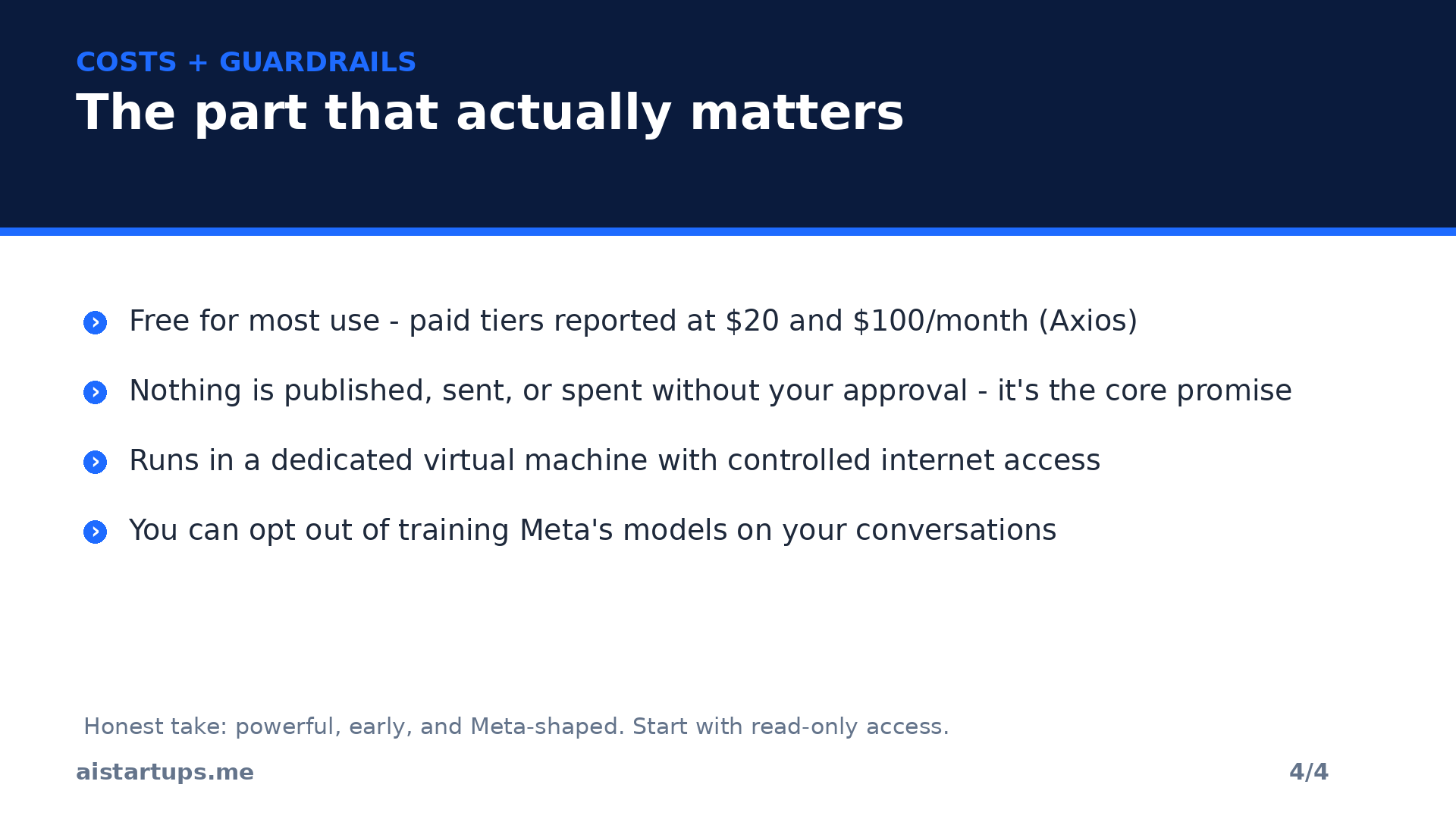
Here’s the part every founder skips to, so let’s not bury it. Meta says Muse is free for most of what people need, with optional subscription plans for heavier use. The announcement itself lists no dollar amounts — which, honestly, is a little annoying — but Axios reports paid tiers at $20 and $100 per month, matching the consumer Muse plans. Treat those as reported, not official: usage limits and packaging can change, so check the live plan screen in the app before you budget around them.
For context on what “free for most uses” usually means with AI agents: expect a usage cap (requests, compute time, or both) that covers casual and light business use, with the paid tiers giving you more throughput. If you’re running Muse as a daily operations layer — the seven workflows above, every day — budget for the $20 tier as your starting assumption. And if you’re comparing this against the cost of a part-time VA or the hours you’re currently burning on admin, our breakdown of what it actually costs to start an AI business in 2026 gives you the full math.
The honest caveats (nobody’s leading with these)
Okay. Deep breath. Here’s the stuff the launch posts don’t put in the headline.
It’s US and Canada only, for now. The personal Muse launched in those two countries, and the small-business announcement’s availability is stated for the same markets. If you’re reading this from anywhere else — hi, most of the world — you’re waiting. No timeline given.
It’s brand new. Muse for Small Business is one day old as I write this. One. Day. The personal agent has three weeks of real-world use. Everything above is based on Meta’s claims and a few days of press coverage, not months of battle-testing. Early adopters will find the rough edges; that’s the deal you make. Small businesses have been testing the features before wider rollout, per Meta, but that’s a controlled beta, not the wild.
Meta is Meta. The privacy baggage is real and you should factor it in with your eyes open. You’re connecting your storefront, your accounting, your customer data, and your ad accounts to a Meta product. The controls exist — dedicated VM, Sentinel-gated internet, training opt-out, per-connector OAuth scopes — and they’re better than nothing. But “trust the agent with the books” is a bigger ask from Meta than from, say, a company without Meta’s history. Your call; just make it an informed one.
Verify the numbers. This is general agent advice, but it applies double here: financial summaries, ad performance, customer data — check them where the data actually lives, not just in Muse’s telling of it. Agents summarize; summaries drift. The source system is the truth.
It’s not the only agent in town. OpenAI launched its own always-on agents (“dots”) at DevDay the same week — we covered what dots can do for startups in yesterday’s guide — and Anthropic’s been pushing its own agent tooling hard. The agent wars are officially on, and Muse’s superpower isn’t the model, it’s distribution: Instagram, WhatsApp, Facebook. Two billion people already live in Meta’s apps. That’s the moat, and it’s a deep one.
So should your startup use it?
Here’s my honest take. If you’re in the US or Canada, run a small business or a lean startup, and spend more than a couple of hours a week on admin, email triage, ad management, or expense wrangling — yes, try it. It’s free for most use, the setup is genuinely low-friction, and the approval gate means the blast radius of a mistake is small. Start with read access, one workflow, two weeks. Measure whether it actually saves you time. That’s the whole evaluation.
If you’re outside the supported countries, or you’re handling sensitive regulated data, or you just don’t want Meta anywhere near your books — that’s a completely reasonable no. The agent space is moving fast enough that waiting three months costs you nothing.
And if you’re a founder looking at this launch and thinking “I could sell this to local businesses” — you’re right, and you’re not the first to think it. The connector gold rush is real: setup services, custom connector builds, managed agent operations. We wrote about AI services you can sell to local businesses this month, and Muse-for-SMB just added a whole new chapter to that playbook.
Frequently asked questions
What is Meta Muse for Small Business?
It’s the business edition of Muse, Meta’s personal AI agent, announced September 29, 2026. It connects to your Instagram professional account, Facebook Page, Meta ad account, and business tools like Shopify, Stripe, QuickBooks, Slack, and Notion, so it can handle sales, marketing, customer queries, and daily operations tasks on your behalf — with your approval required for anything consequential.
How much does Meta Muse cost?
Meta says it’s free for most uses. Axios reports optional paid tiers at $20 and $100 per month for heavier use, matching the consumer Muse plans — but Meta’s own announcement lists no prices, so confirm on the live plan screen in the app before budgeting.
Is Meta Muse available in my country?
As of launch, Muse is available in the US and Canada only — for both the personal agent and the small-business edition. No timeline has been announced for other countries.
Is it safe to connect my business accounts to Muse?
Meta’s core guardrail is that nothing is published, sent, or spent without your approval, and the agent runs in a dedicated virtual machine with controlled internet access. You can also opt out of training-data use and control permissions per connector via OAuth. That said, you’re still handing significant business data to Meta — start with read-only access, grant minimum permissions, and verify financial numbers in the source systems.
How is Muse different from ChatGPT or other AI agents?
The difference is agency plus distribution. Muse runs on its own secure cloud computer, keeps working after you close the app, and acts inside connected services (forms, bookings, purchases) rather than just answering questions. And it lives inside Meta’s ecosystem — Instagram, WhatsApp, Facebook — where billions of people already are. OpenAI’s dots and Anthropic’s agents are the direct competitors; Muse’s edge is reach, not raw model power.
The Bottom Line
Meta took an agent with real momentum — 2.8 million downloads in two weeks — and gave it the one thing that makes agents useful: access. Access to your store, your books, your ads, your inbox. The approval gate is genuinely well-designed, the connector list covers the tools most small businesses actually use, and the price (free to start) removes every excuse not to try it.
But it’s day one. The rough edges are still hiding, the availability is limited to two countries, and “connect your accounting to Meta” is a sentence that should make any founder pause. Try it with one workflow and read-only permissions. Let it earn the keys to the rest.
The agent era isn’t coming anymore — it’s here, it’s free, and it’s sitting in an app on your phone. The founders who learn to delegate to agents now, carefully and with guardrails, are going to have an absurd advantage over the ones who wait for the “safe” version. There is no safe version. There’s just this one, with an approval button.