
Here’s a confession: most of the AI calls my products make don’t need a single word of output. They need a yes or a no. A pick from a list. A score out of five. And yet, for years, we’ve been paying full generative-model prices — output tokens, reasoning traces, the whole expensive parade — just to get a model to say “route this to tier two.”
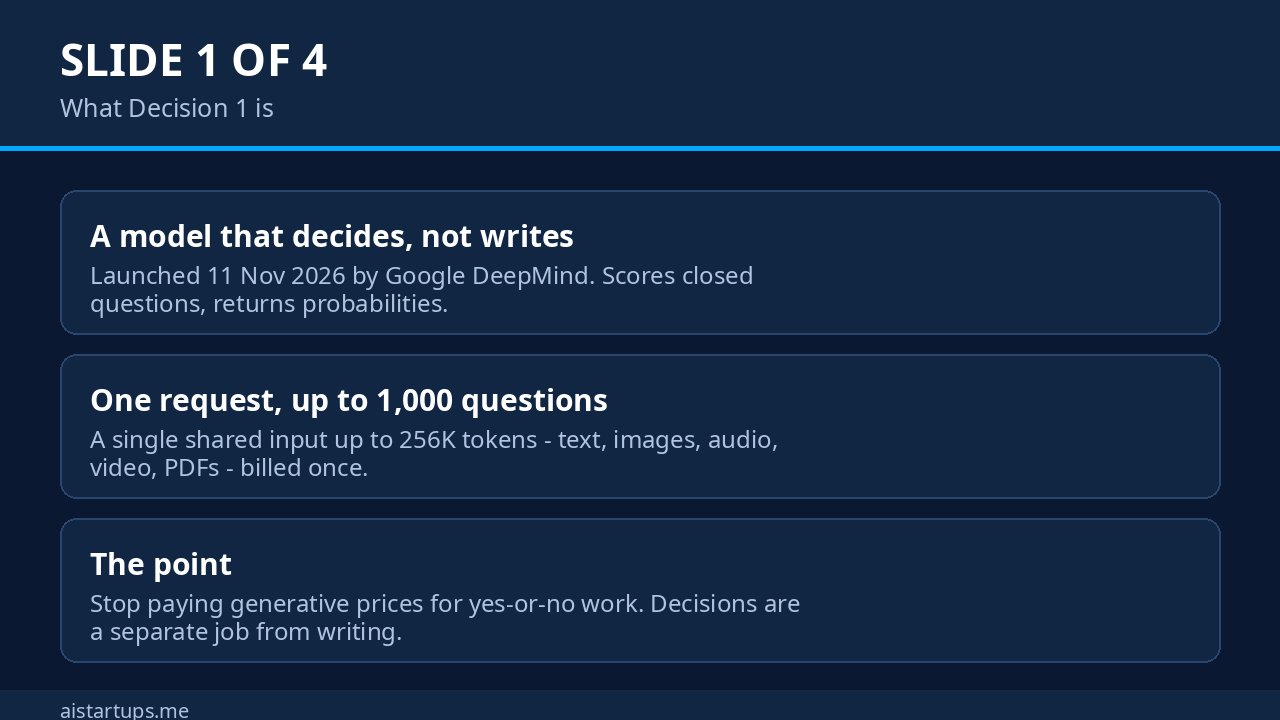
Google noticed. On November 11, 2026, Google DeepMind launched the Gemini Decisions API, powered by a new model called Gemini Decision 1. It doesn’t write. It doesn’t explain. It reads your input — text, images, audio, video, PDFs — and scores up to 1,000 closed questions about it in a single pass, handing back probabilities in about a quarter of a second. The price? $0.10 per million input tokens. Zero for output, because there is no output.
I’ve spent the last day digging through the announcement, the docs, and the first independent analysis of it. This is the honest founder’s version: what it does, what it costs, where it saves you real money, and where it’ll quietly bite you if you trust it too much.
What Google actually shipped on November 11
Let’s get the facts straight first, because the launch post is dense and the hype cycle is already doing its thing.
Gemini Decision 1 (model ID gemini-decision-1) is a purpose-built decision model, not a chat model with a new hat on. It lives behind a new endpoint, POST /v1beta/decisions, available through the Gemini Developer API and Google AI Studio. You call it with the google-genai SDK (version 3.2 or later) or plain REST. It’s v1beta only for now — Google says support for Gemini in Google Cloud is coming soon, but if your whole stack runs on Google Cloud, that’s a “wait” for the moment.
Here’s the core idea, and honestly, it’s elegant. A normal generative model answers a question by writing text one token at a time, and then your code has to parse that text back into a decision — usually by begging the model for JSON and praying it complies. Gemini Decision 1 skips the writing entirely. It scores every candidate answer in a single forward pass and returns numbers: probabilities and a confidence score from 0 to 1 for each question.
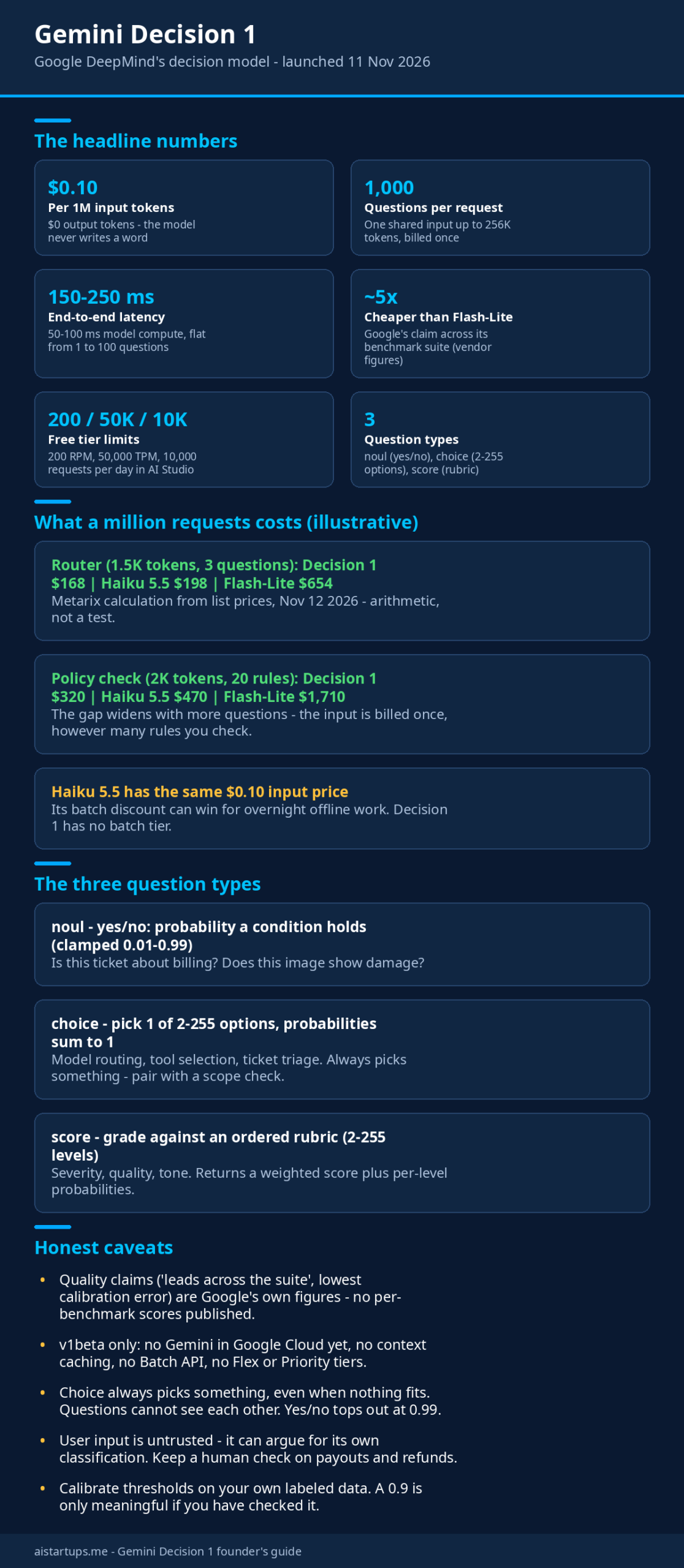
One request can carry a single shared input of up to 256,000 tokens — text, images, audio, video, PDFs, or a mix — plus up to 1,000 independent questions about that input. The shared input gets billed once, no matter how many questions you ask. Each question only adds its own instruction and criteria tokens. Google reports median latency of 50–100 ms of model compute and 150–250 ms end to end, for inputs up to 16K tokens, and says latency stays nearly flat from 1 question to 100.
And the number that’ll make every founder sit up: $0.10 per million input tokens, $0 for output. There’s a free tier in AI Studio for prototyping — 200 requests per minute, 50,000 tokens per minute, 10,000 requests per day. That’s genuinely usable for a side project or a proof of concept before you spend a cent.
The three question types (and when to use each)
Everything the API does fits into three shapes. Once you see them, you’ll start spotting places in your own product where you’re overpaying for a generative call.
1. noul — yes or no
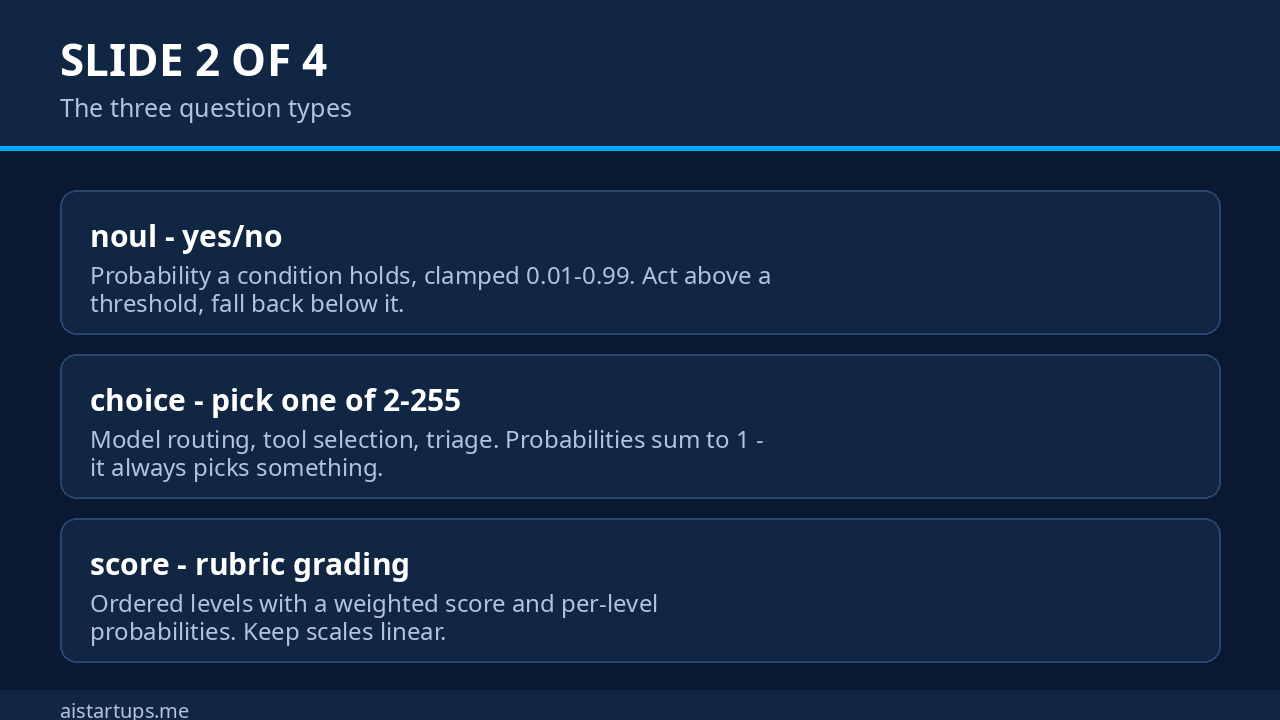
This one estimates the probability that a yes/no condition holds. “Is this support ticket about a billing problem?” “Does this image show damage?” “Is this applicant qualified for the interview stage?” You get a probability clamped between 0.01 and 0.99, plus a confidence score. The clamp matters: a threshold above 0.99 will never fire, so don’t set your auto-approve line at 0.995 and then wonder why nothing ever auto-approves. (More on the gotchas later.)
2. choice — pick one from a list
Give it 2 to 255 options and it picks a winner, returning normalized probabilities for every candidate that sum to 1. This is the model-router shape: “Which tier should answer this — fast, standard, or deep?” It’s also the tool-selection shape: “Which of these twelve tools should the agent call next?” And the triage shape: “Which department owns this ticket?”
3. score — grade against a rubric
This one grades an input against an ordered rubric — severity levels, quality tiers, whatever you define — and returns a continuous weighted score plus per-level probabilities. Think “rate this sales call from 0 to 4 on objection handling” or “score this support reply for tone.” Google recommends 2 to 10 levels for rubrics, even though the hard limit is 255.
The pattern Google wants you to follow is simple: act automatically above a confidence threshold, and fall back — to a bigger model, or a human — below it. Set those thresholds from labeled examples of your own traffic, not from vibes. A 0.9 that means “nine times out of ten this is right” is only useful if you’ve checked it against your own data.
The price math: why $0.10 is a bigger deal than it looks
Look, $0.10 per million input tokens sounds cheap, but per-token prices lie. What matters is what a million real requests cost. The independent analysis at Metarix ran the numbers against the two models founders actually use for this kind of work today, and the results are worth staring at.
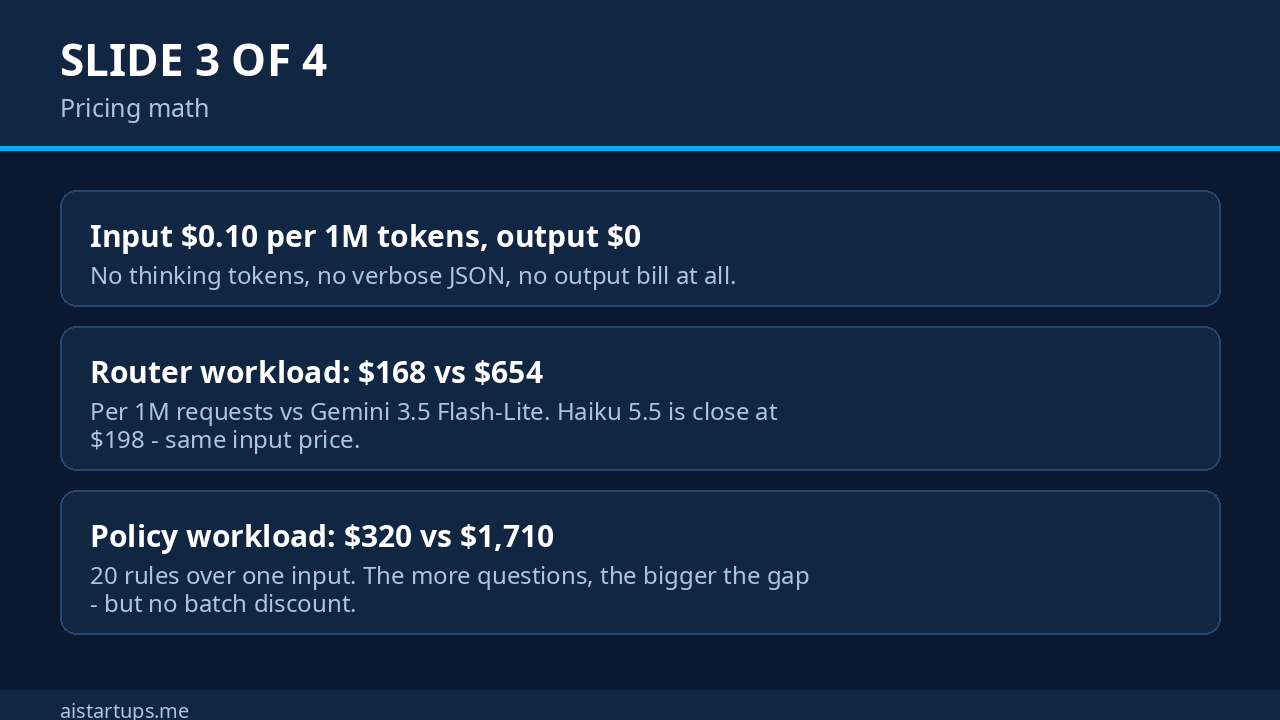
Take a router workload: a 1,500-token input, three questions, the kind of call that sits in front of every request your app handles. At list prices, one million of those requests costs about $168 with Gemini Decision 1, $198 with Claude Haiku 5.5, and $654 with Gemini 3.5 Flash-Lite. Now take a policy-check workload — a 2,000-token input with 20 rules checked against it. That’s $320 with Decision 1, $470 with Haiku 5.5, and $1,710 with Flash-Lite. Same pattern, bigger gap.
Two things are doing the work here. First, the shared input is billed once: ask one question or five hundred about the same document, and the document is counted once. Second, there are no output tokens at all — no thinking trace, no verbose JSON, no “Sure, I’d be happy to help” padding that you pay to parse and throw away. Google’s own claim is that Decision 1 with the Decisions API is nearly five times cheaper across its benchmark suite than Gemini 3.5 Flash-Lite with the Interactions API. The independent math backs up the direction of that claim, roughly four to five times cheaper in both scenarios above.
But — and this is the part the launch post doesn’t shout about — the gap against Claude Haiku 5.5 is small. Haiku 5.5 charges the same $0.10 per million input tokens (for prompts up to 100,000 tokens), so the Decision 1 advantage there is 15% on the router workload and about a third on the policy workload. And Haiku has a batch discount that Decision 1 doesn’t. If your workload is overnight bulk labeling that can wait, Haiku on batch may still win. Run your own numbers before you migrate anything.
The bigger savings, honestly, aren’t in the per-token comparison at all. They’re in what you stop doing: stop routing small decisions through a reasoning model that burns a few hundred thinking tokens before giving you a one-word label. That’s where the real money has been leaking. If you want the full cost-cutting playbook, my guide on how to cut your AI API bill by 70% without hurting quality covers the same instinct applied across your whole stack.
How to set it up in an afternoon
This is a five-step job, not a migration project. That’s part of the appeal.
- Grab an API key in Google AI Studio. The free tier is enough to prototype — 200 requests a minute is plenty for testing against your own labeled examples.
- Install google-genai 3.2 or later. The Decisions API needs the newer SDK; older versions won’t have the
decisions.createmethod. - Write your questions as data, not prompts. This is the mindset shift. Instead of a prompt that says “classify this,” you define a question object with a type, instructions, and criteria. The criteria are the spec — the better you write them, the better the model scores.
- Calibrate thresholds on your own labeled set. Run a few hundred of your real examples through, compare the probabilities against the truth, and pick your auto-act line. Google’s guide says the same thing, and it’s right.
- Wire the fallback first. Decide what happens below the threshold — a bigger model, a human queue, a safe default — before you ship the happy path.
Here’s what the code looks like for the most common founder pattern, a model router. This is illustrative, based on Google’s documented request shape — adapt the thresholds to your own data before you trust it in production:
from google import genai client = genai.Client(http_options={"api_version": "v1beta"}) result = client.decisions.create( model="gemini-decision-1", input=user_message, questions={ "in_scope": {"type": "noul", "instructions": "Is this a question about our product or account?"}, "tier": {"type": "choice", "instructions": "How much reasoning does answering this need?", "criteria": { "fast": "Lookup or short factual answer.", "standard": "Some multi-step explanation.", "deep": "Debugging, planning or analysis across sources."}}, }, ) a = result.answers if a["in_scope"].noul < 0.5: model = "refuse_or_redirect" elif a["tier"].confidence >= 0.7: model = {"fast": "flash-lite", "standard": "flash", "deep": "carbon"}[a["tier"].choice] else: model = "flash" # unsure: take the middle tierThat whole round trip — scope check plus routing decision — is one API call, about 150–250 ms, for a fraction of a cent. The same job with a generative model would be two calls, two parses, and a reasoning trace you didn’t ask for.
Now, if wiring this into your product sounds like a weekend you don’t have, that’s a fair call — most founders would rather ship the feature than the plumbing. It’s exactly the kind of AI integration work our web development studio AISquadX takes on for startups: the unglamorous wiring between a new API and a product people actually use.
Five founder use cases that pay for themselves
Theory is nice. Here’s where I’d actually put this to work first, in order of how fast each one pays back.
1. Model routing in front of every request
This is the headline use case, and Google is already doing it themselves: Gemini Notebook uses the Decisions API as a real-time router, directing incoming queries to the right model tier and thinking level. Google says it serves everyday queries with up to 40% lower latency while reserving deep reasoning models for the hard ones. Every request your app handles gets a 200 ms, sub-cent triage call before the expensive model ever wakes up. If you’re paying for a frontier model to answer “what are your opening hours,” this is your fix.
2. Support ticket triage
One shared input — the ticket — against twenty or thirty questions at once: Is it billing? Is it urgent? Is it a bug or a how-to? Which team owns it? What’s the sentiment score? With a generative model, that’s twenty calls or one giant prompt with a fragile JSON parse. With Decision 1, it’s one request, one bill for the input, and probabilities you can threshold. A ticket that scores 0.95 on “billing + urgent” routes itself. One that scores 0.5 on everything goes to a human.
3. Policy and safety checks
Every user-generated post, listing, or message in your product needs a policy check, and the check is always a closed question: does this violate rule 7, yes or no? Run your whole rulebook as questions in a single request. Google Search itself uses the Decisions API as a safety layer for MCP tools, detecting adversarial behavior against its evals. If it’s fast enough for Search’s latency envelope, it’s fast enough for your marketplace.
4. Tool selection inside agents
Agents waste a shocking amount of money deciding which tool to call. The choice question type was built for this: give it your tool list as options, let it score them, and call the winner. The confidence score is the safety net — below your threshold, ask a bigger model or the user. This is the same idea behind Cloudflare’s Clef decision models, which I covered in October, and behind OpenAI’s Decisions API — the whole industry has figured out that decisions are a separate job from generation. Google just made it multimodal and very, very cheap.
5. Grading and quality scoring
The score question type is a quiet workhorse. Grade AI-generated replies against a rubric before they reach a customer. Score sales calls. Rank user submissions. Rate the severity of a bug report from a screenshot plus a text description — one input, mixed media, no separate OCR or transcription bill, because Google doesn’t charge separately for reading images or audio in the input. That’s a real cost line that just disappears.
Decision 1 vs the alternatives
You’re not choosing in a vacuum. Here’s how it stacks up against the tools founders already reach for:
| Option | Best for | Input price | Output price | The catch |
|---|---|---|---|---|
| Gemini Decision 1 | Closed decisions at scale | $0.10 / 1M | $0 | v1beta only, no batch, no caching, no Google Cloud yet |
| OpenAI Decisions API | Same job, OpenAI stack | $0.10 / 1M | $0 | GPT-6 Luna only; similar young-API limits |
| Cloudflare Clef | Agent cost control on Cloudflare | Varies | Varies | Tied to Cloudflare’s platform |
| Claude Haiku 5.5 | Decisions + explanations | $0.10 / 1M | $0.50 / 1M | You pay for words you don’t need; batch discount helps |
| Gemini 3.5 Flash-Lite | Cheap generative fallback | $0.30 / 1M | $2.50 / 1M | 4–5x the cost of Decision 1 for this job |
A note on the table: the Haiku 5.5 and Flash-Lite prices are the ones Metarix used in its comparison, and the Decision 1 vs OpenAI comparison is about the shape of the product, not a benchmark shootout. If you’re already deep in the Gemini ecosystem — and if you read my Gemini 4 Carbon guide, you know the family just got a lot bigger — Decision 1 is the obvious pick for the decision layer. If you’re on OpenAI, their Decisions API does the same job in their stack. The important thing is to stop paying generative prices for yes-or-no work, whichever logo is on the invoice.
One more honest note: Google’s quality claims — “leads across the suite” on agent routing, reasoning, ranking, and multimodal benchmarks, with the lowest calibration error — are Google’s own numbers. The launch post doesn’t publish per-benchmark scores or name the comparison models. Treat them the way you’d treat any vendor benchmark: directionally encouraging, not proof. The thing you can verify yourself, today, for free, is whether the probabilities are well calibrated on your own data. That’s the test that matters, and it costs you nothing but a labeled set.
The gotchas nobody mentions in the launch post
Real talk: this API has sharp edges, and most of them come from the same design choice that makes it fast. When a model returns numbers instead of words, you lose the ability to ask “why.” Here’s what to watch for.
- Choice always picks something. The probabilities across options always sum to 1, even when none of the options fit. Pair every choice question with a yes/no scope check, or threshold the confidence hard. Otherwise your router will confidently route garbage somewhere it doesn’t belong.
- Yes/no tops out at 0.99. The probability is clamped, so a threshold above 0.99 never fires. Set your auto-approve line at 0.9 or 0.95 and calibrate from there.
- Questions can’t see each other. Each question is scored independently against the shared input. If one decision depends on another, send a second request or ask both and ignore one answer. Don’t assume the API chains logic for you.
- Score averages hide splits. A score of 1.12 can hide a split between levels — half the probability mass on 0, half on 2. Read the per-level probabilities, and keep your rubric scales linear.
- No batch, no caching, no Cloud. There’s no Batch API discount for offline jobs, no context caching (so a long repeated context is billed in full every call), and no Gemini in Google Cloud support yet. If your workload is overnight bulk labeling, a batched generative model may still be cheaper.
- The input is untrusted. Google warns that user text can argue for its own classification — a message that says “this is definitely not spam” is trying to game the scorer. Keep a human or a second check on payouts, refunds, and anything where money moves.
- No conversation history. Multi-turn context has to be serialized as text, and tool-call and thought blocks are rejected. This is a stateless scorer, not a chat partner.
- Choice keys get sorted alphabetically, and ties go to the first key. Don’t use keys like
none_of_the_above— Google advises usingotherwith a clear description instead.
The cheapest AI call is the one you don’t make — and the second cheapest is the one that returns a number instead of a paragraph. Decision models aren’t a new feature. They’re the moment the industry admitted that half our generative calls were just expensive coin flips.
When NOT to use it
For balance, because a tool this cheap tempts people to use it for everything: don’t use Decision 1 when you need an explanation, an extraction, or a conversation. If the answer needs a reason attached — “why was this rejected?” — you need a generative model. If you need fields pulled out of a document into JSON, use structured output from a generative model. If the question is open-ended, if the options aren’t known in advance, or if the user expects a reply in words, this API will just frustrate you. It’s a scorer, not a writer. Use it for the decisions, and let the writers write.
Frequently asked questions
What is Gemini Decision 1?
Gemini Decision 1 is Google DeepMind’s decision model, launched November 11, 2026. It powers the Gemini Decisions API and scores closed questions — yes/no, multiple choice, and rubric grades — against text, images, audio, video, and PDFs, returning probabilities and confidence scores instead of generated text.
How much does the Gemini Decisions API cost?
It costs $0.10 per million input tokens, with zero output tokens billed — the model never generates text. The shared input is billed once per request no matter how many questions you ask. There’s a free tier in Google AI Studio (200 requests per minute, 50,000 tokens per minute, 10,000 requests per day) for prototyping.
How fast is Gemini Decision 1?
Google reports 50–100 ms of median model compute and 150–250 ms end-to-end latency for inputs up to 16,000 tokens, with latency staying nearly flat from 1 to 100 questions per request. Those are Google’s figures for the stated workload, not a guarantee for every request size.
How is it different from OpenAI’s Decisions API?
The idea is the same — a decision model that returns probabilities instead of text — but the products differ. Google’s version is multimodal out of the box (images, audio, video, PDFs in one input), supports up to 1,000 questions per request, and runs on the Gemini Developer API. OpenAI’s version runs on GPT-6 Luna. Pick the one that lives in the stack you already use.
Can I use Gemini Decision 1 in Google Cloud?
Not yet. At launch it’s available through the Gemini Developer API (v1beta) and Google AI Studio only. Google says support for Gemini in Google Cloud is coming soon. If your stack is Cloud-only, wait for that announcement before you build on it — and check the integrations rolling out across OpenRouter, LangChain, Vercel, LiteLLM, and the others if you run traffic through a gateway.
The Bottom Line
Gemini Decision 1 is the most useful kind of launch: a narrow tool for a job most AI apps already do badly. We’ve all been routing, triaging, and grading with general-purpose models and then parsing text back into decisions, paying for output tokens we never wanted. This API returns probabilities instead, in a fraction of a second, with the input billed once and nothing billed for the answer.
Is it perfect? No. The quality claims are Google’s own, the API is v1beta, there’s no batch discount and no Cloud support yet, and it will confidently pick a wrong answer if you give it a bad list of options. But the price is real, the latency is real, and the free tier means you can test it against your own data this afternoon without a procurement meeting.
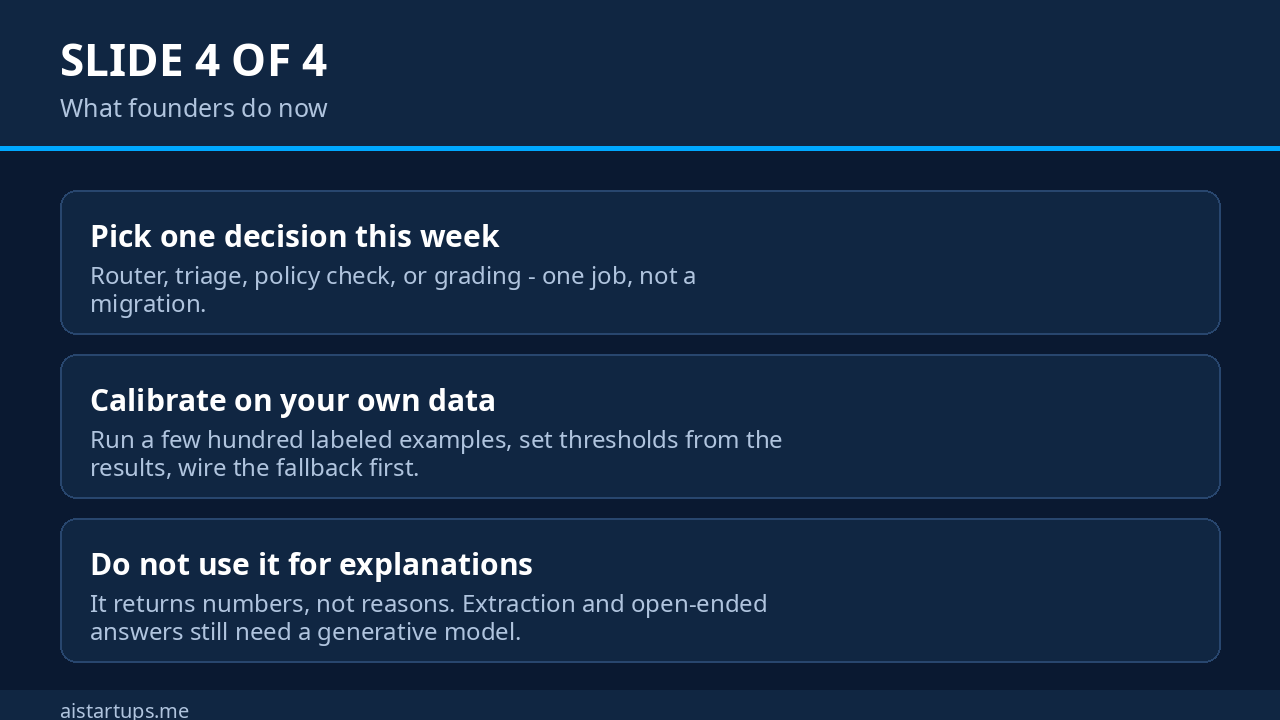
My advice: pick one decision in your product — the router in front of your chatbot, the triage on your support inbox, the policy check on user posts — and run it through Decision 1 this week. Calibrate the thresholds on your own labeled examples. If the probabilities hold up, you’ve just found the cheapest meaningful upgrade in your stack. And if they don’t, you’ve spent an afternoon and learned something real about your own data. Either way, you win.