
Okay, real talk: of everything OpenAI announced at DevDay on Tuesday, the thing that matters most to your bank account wasn’t the one with the keynote slot.
Everybody talked about dots — the always-on agents with their own cloud computers. Fair enough, they’re flashy. But buried in the announcement pile was a quiet little feature with a boring name: Sign in with ChatGPT. And it might be the biggest shift in AI startup economics since the API itself.
Here’s the one-line version: a user logs into your app with their ChatGPT account, and your app’s OpenAI model calls get billed to their ChatGPT subscription. Your inference cost for that user drops to zero. Their bill doesn’t change either — it just counts against the plan limits they already pay for.
For anyone selling AI features on a flat monthly plan, that sentence should have your full attention. Because inference is the cost that quietly eats AI startups alive — one heavy user on a $20 plan can cost you more than they pay you, every single month. (TechCrunch framed the whole DevDay package as an assault on the app-store model, and honestly, this feature is the financial engine of that plan.)
I spent the last two days reading the actual developer docs, the Help Center pages, and the launch coverage — not the hype threads — to figure out what this really is, what it costs, who can actually use it, and where the traps are. Here’s the honest version.
So what is this thing, exactly?
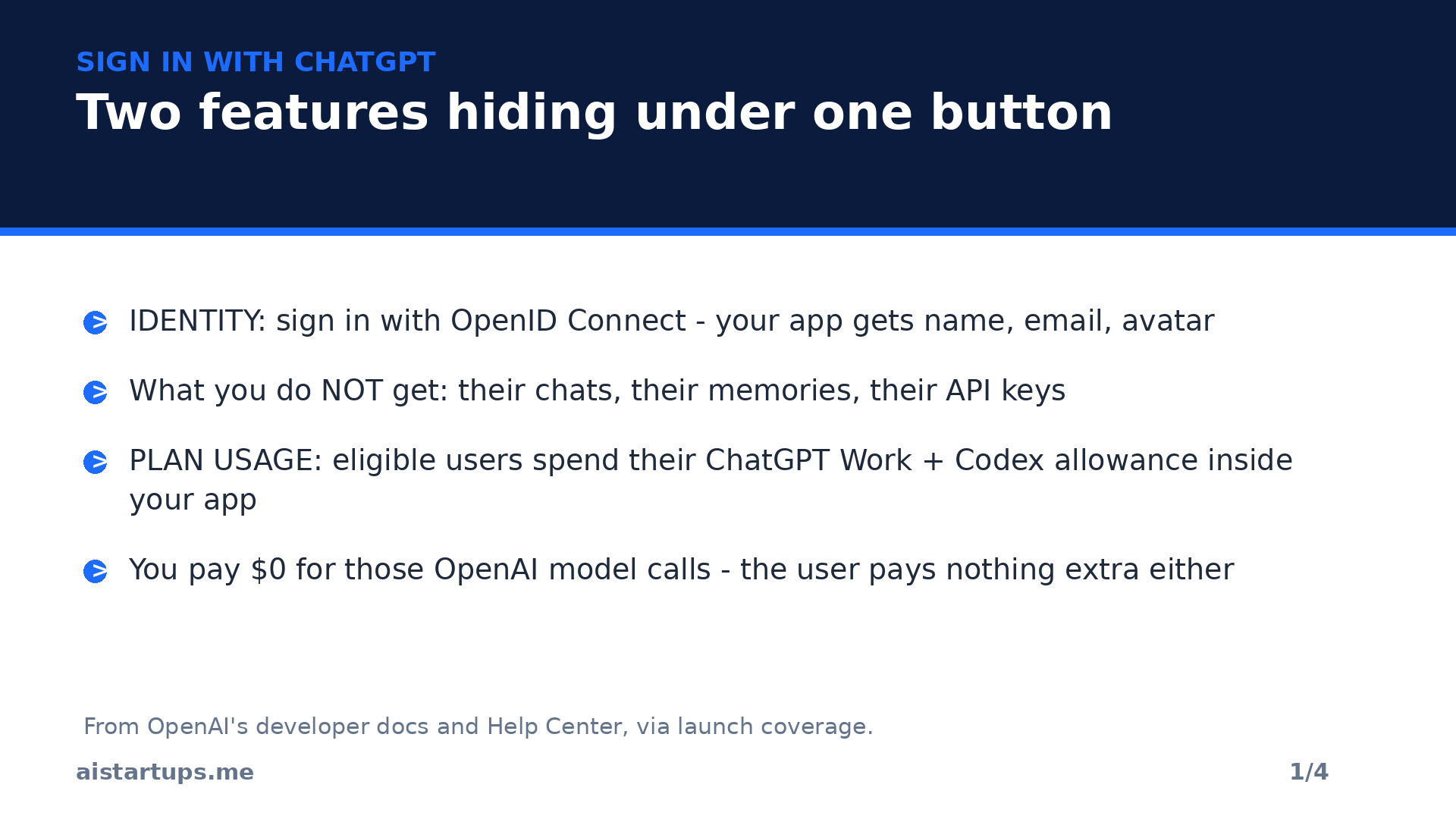
Sign in with ChatGPT is two features wearing one trench coat. (Okay, one button. But you get the idea.)
Feature one is identity. It works like “Sign in with Google” — it’s built on OpenID Connect, the open login standard sitting on top of OAuth 2.0. When a user connects, your app receives their name, email address, and profile picture. That’s it. OpenAI’s Help Center is explicit about what you don’t get: no access to their conversations, no memories, no API keys. Just enough to know who they are.
Feature two is plan usage, and this is the new part. An eligible user can let your app send AI requests that count against the ChatGPT Work and Codex usage already bundled into their subscription. You don’t pay OpenAI for those requests. The user doesn’t get a second bill either. The docs put the limit of this in plain language: “App usage counts toward your existing plan limits. Connecting an app does not add a new allowance.”
Who counts as eligible? ChatGPT Plus ($20/month) and Pro ($100, $200, and $500/month) subscribers. Anyone can sign in with a ChatGPT account — including Free users and the $8 Go plan — but only paying subscribers bring an allowance with them. If your audience is mostly on Free, this feature is a nicer login button and nothing more.
The math that made me sit up
Let’s make this concrete, because “zero inference cost” is the kind of phrase that makes founders stop reading before they’ve checked the fine print.
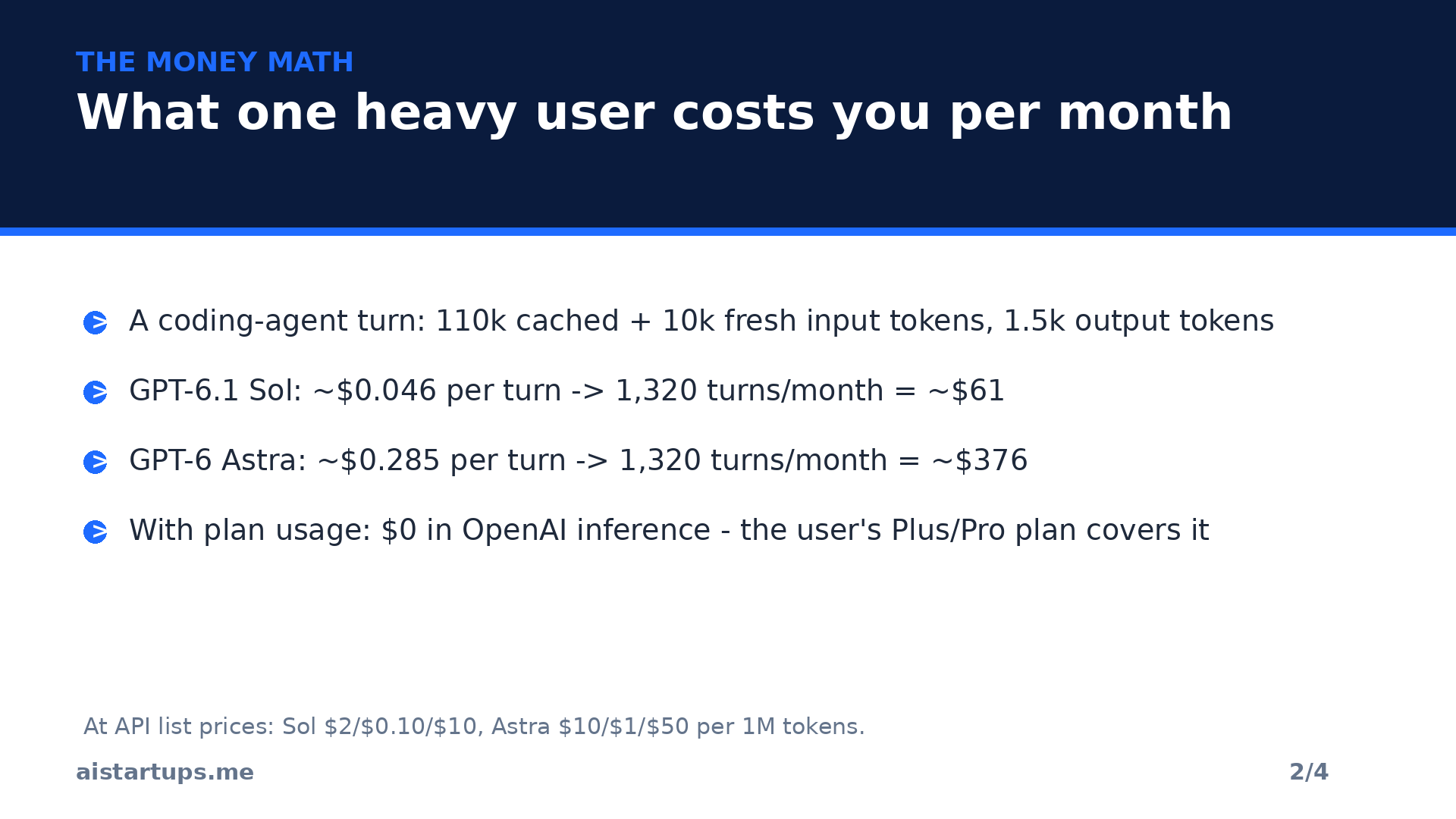
OpenAI’s pricing page lists GPT-6.1 Sol at $2 per million input tokens, $0.10 for cached input, and $10 per million output tokens. GPT-6 Astra is $10 / $1 / $50. Now take a typical coding-agent turn: 110,000 cached input tokens, 10,000 fresh input tokens, 1,500 output tokens. A detailed breakdown by Startupik ran this arithmetic at list prices, and it checks out:
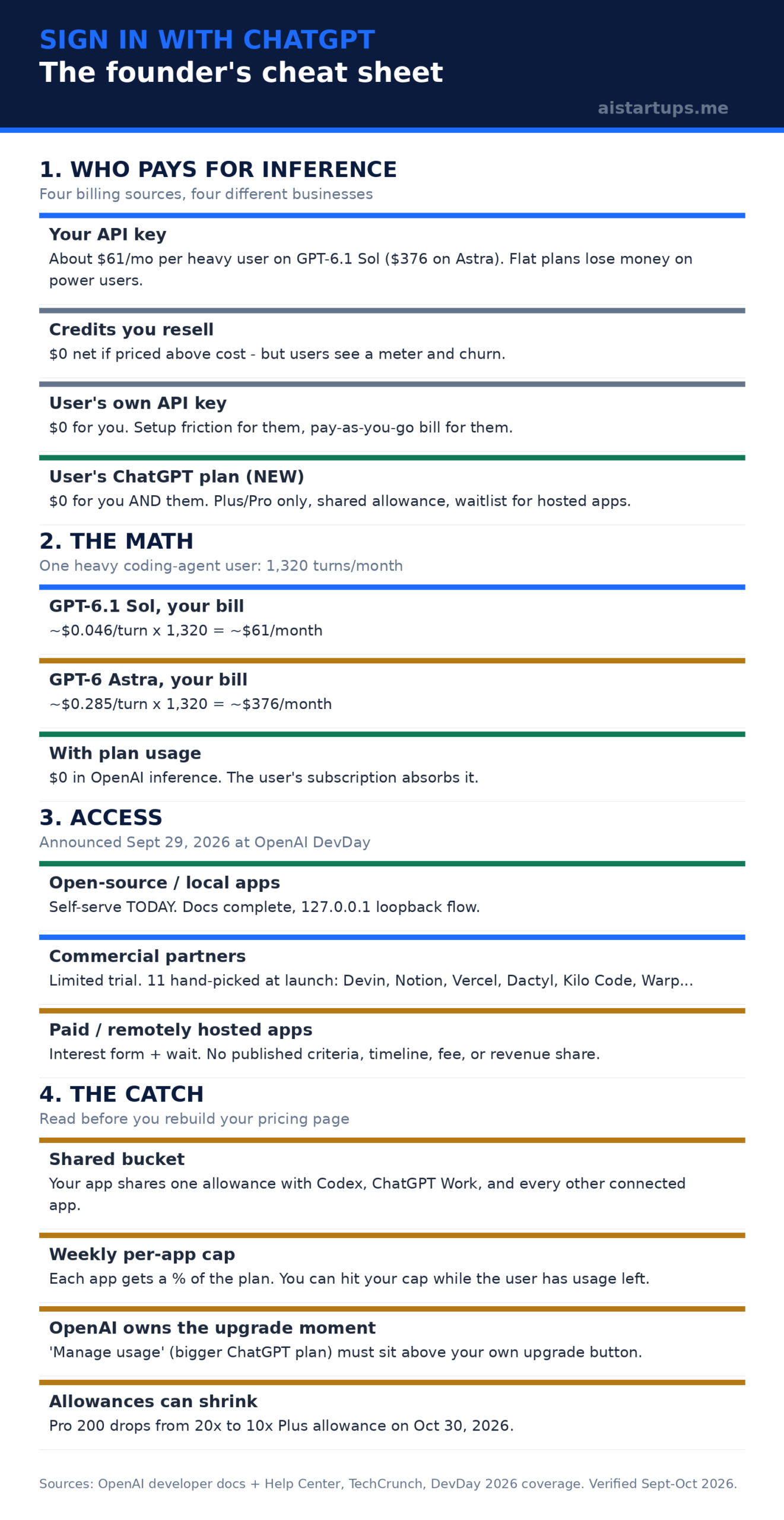
- GPT-6.1 Sol: about $0.046 per turn. A user running 60 turns a day does ~1,320 turns a month. That’s roughly $61/month.
- GPT-6 Astra: about $0.285 per turn. Same usage: roughly $376/month.
Read that again. If that heavy user pays you $20 a month, you’re losing $41 on Sol — before hosting, support, or payment fees — and nearly $360 on Astra. This is the exact trap I wrote about in my guide to pricing an AI SaaS product: flat plans and power users are a combination that quietly bleeds you.
With plan usage, that same user’s OpenAI inference costs you nothing. Zero. The user’s subscription absorbs it. That is real money — which is exactly why you should keep reading, because nothing this good comes without strings.
Can you actually get in? Three doors, one is open
Here’s the fact the launch coverage mostly skipped: you probably can’t integrate this yet, if you run a normal hosted SaaS product. OpenAI split the program into tracks, and they are not equally open.
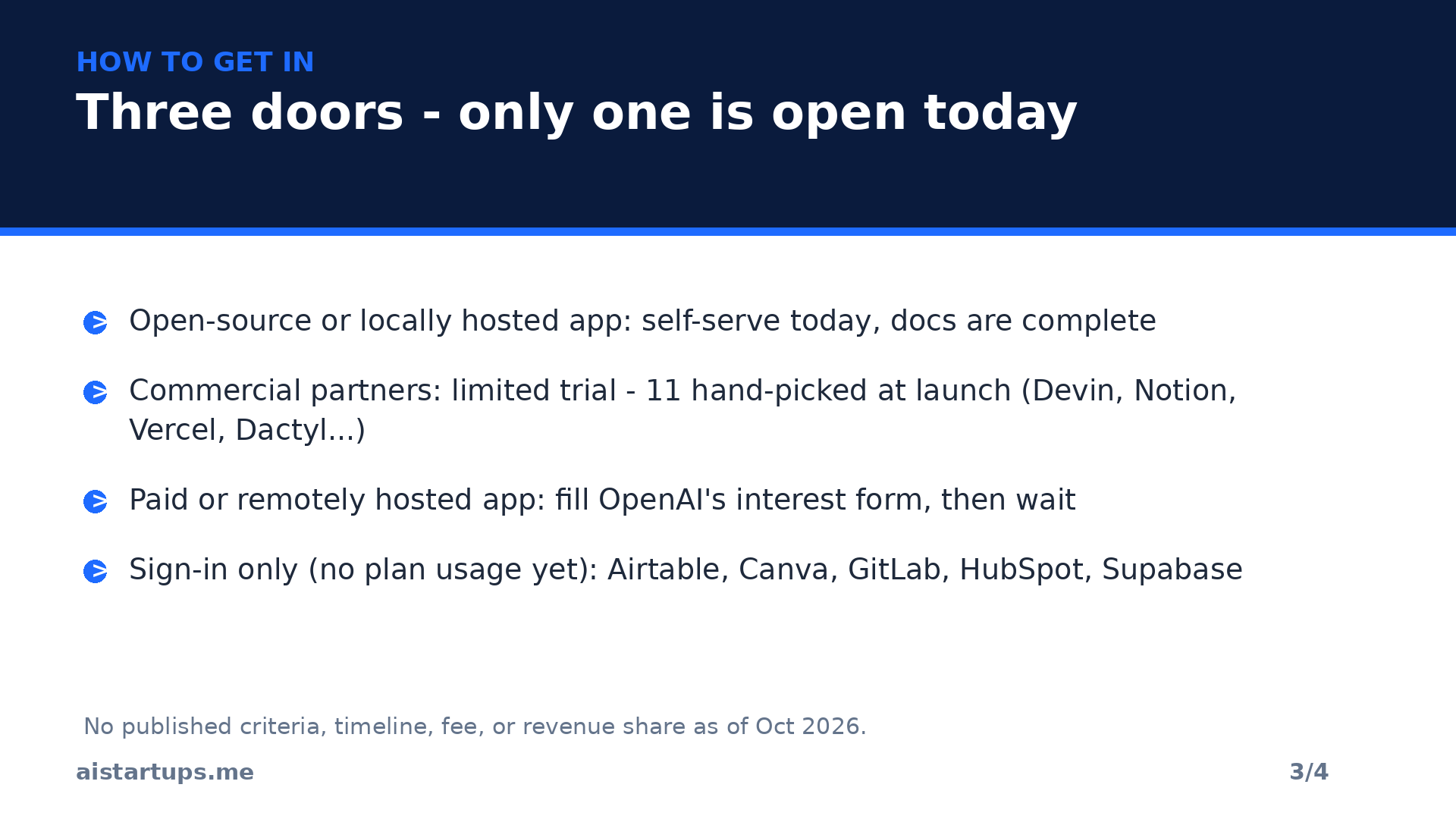
Door 1: open-source and locally hosted apps. This track is documented in full and self-serve. It’s written for tools that run on the user’s own machine — the documented login flow uses an HTTP loopback on 127.0.0.1, which only works if the app is running locally. If you maintain an open-source or local tool, you can integrate plan usage today.
Door 2: commercial partners. A “limited trial for commercial partners,” in OpenAI’s words. Eleven were hand-picked with plan usage at launch: Amp, Conductor, Dactyl, Devin, Hermes Agent, Hyperagent, Kilo Code, Notion, Vercel, Vorflux, and Warp (Lovable is marked as coming soon). Four open-source tools — OpenClaw, OpenCode, Pi, and T3 — plus five more names that are sign-in only for now: Airtable, Canva, GitLab, HubSpot, and Supabase. OpenAI says it will “expand quickly.” It has published no criteria, no timeline, no fee, and no revenue share.
Door 3: everyone else with a paid or remotely hosted app. You fill out OpenAI’s interest form — a request for a client ID — and wait. The form itself says Sign in with ChatGPT “is currently offered to a select group of commercial partners.” Submitting costs nothing, and I’d do it this week. Just don’t plan your Q4 margins around it.
The technical shape is standard OAuth 2.0 with PKCE. Identity-only apps request three scopes (openid, profile, email); plan usage adds three more (offline_access, resource.invoke, chatgpt.tokens.use.direct). Access tokens last an hour, refresh tokens 30 days. Your app then calls the normal Responses API with the user’s token instead of your API key, and lists available models per user — because model availability is account-specific. (AIO Copilot’s DevDay recap has the full announcement context if you want the 20+ launch firehose.)
What the preview can’t do yet
The preview limitations page reads like a list of features a production app depends on. Be honest with yourself about whether your product fits:
- Streaming only. Every request must set store to false and stream to true.
- No output cap or tuning knobs. max_output_tokens, temperature, top_p, truncation, metadata, and several other parameters are rejected outright.
- No stored conversations. HTTP requests can’t reference a previous response — you resend context each time or hold a WebSocket open.
- No hosted tools. Image generation, file search, Code Interpreter, native computer use, hosted MCP connectors, and tool search are all unsupported.
- No audio or video input. The Files upload API and the transcription API are out too.
What does work: text, images, and files as input where the model supports them, your own function tools, and web search. The practical reading: plan usage fits a coding agent or writing tool that runs its own tool loop. It does not fit a product built on OpenAI’s hosted retrieval, sandboxes, or computer use. Audit your Responses API calls before you get excited.
How the launch partners are pricing around it
The partners that published details all kept their paid plans — they just moved what the plan sells. This is the pattern to study:
- Dactyl is the cleanest example. Its $20 Builder plan promises “no token bills from us” — the plan sells three App Store publishes a month and over-the-air updates. Its $100 Standard plan bundles 1,000 credits and non-OpenAI models, with ChatGPT as an optional extension. The margin moved to the part OpenAI doesn’t sell.
- Devin covers the OpenAI model portion of sessions on Pro, Max, and Teams plans — and if you hit your ChatGPT plan limit, sessions keep running on Devin usage until it resets. The partner carries the fallback cost so the user never stalls.
- Kilo Code lets users apply up to 100% of their Work and Codex usage across IDE, CLI, cloud agents, and mobile — while selling access to 500+ other models through its own gateway.
- Warp applies Work and Codex usage to AI requests, per its announcement.
Two things every partner has in common. First, plan usage only pays for OpenAI models — if your product routes work to Claude, Gemini, or open-weight models, that part stays on your bill. (Relevant, given September’s AI price war made multi-model routing the smart default.) Second, every partner kept charging for something that isn’t tokens: builds, seats, publishing, model choice. That’s the repositioning this feature forces.
The part nobody’s tweeting about
Okay. Deep breath. Here’s where the founder brain needs to override the excited brain.
OpenAI owns the upgrade moment. The UI guidelines for plan usage set the order of buttons when a user runs out: “Manage usage” — which sends them to ChatGPT settings to buy a bigger plan — must be the primary action. Your own credits can appear as a secondary option. So at the exact moment a user wants more, your app advertises a bigger ChatGPT plan ahead of your own upgrade. If your paid tier is mostly “more AI,” that is your entire business being upsold by someone else.
The allowance can shrink, and it already did. In the same keynote, OpenAI reopened the $200 Pro plan with half the usage: from October 30, 2026, Pro 200 drops from 20× the Plus allowance to 10×. Existing subscribers keep the old allowance through October 29 and get a one-time $2,500 usage credit expiring at year end. After the cut, every tier is flat per dollar — 5× for 5×, 10× for 10×, 25× for 25×. The old Pro 200 was the only tier with a volume discount, and it’s gone. Treat the current allowance as a promotion with no end date printed on it.
Anthropic went the opposite direction. Its documentation bars Claude Free, Pro, and Max OAuth tokens from being used “in any other product, tool, or service, including the Agent SDK.” One lab closed subscription pass-through entirely. The other just made it a product. If you’re multi-model, that asymmetry matters.
Platform dependence is real. Once users sign up with ChatGPT, the stable identifier for their account is issued by OpenAI. Always capture a verified email and offer a second sign-in method. The cheapest insurance in software is a login method you control.
“It doesn’t make your heaviest users profitable. It makes them OpenAI’s customers who happen to use your interface.” — Startupik’s analysis of the launch, and the single sentence I’d tape above your pricing page while you think about this.
There’s also the bigger frame: this isn’t just a billing feature, it’s a distribution play. ChatGPT will now suggest relevant apps mid-conversation and let users connect them without leaving the chat — with 1.2 billion weekly users on the other side of that suggestion. Plugin extensions give apps a sidebar home with interactive panels, a Plugin Creator, and a simplified review process. And on the enterprise side, a 30+ partner Marketplace (Adobe, Figma, Salesforce, ServiceNow, Harvey, and others) lets eligible customers apply existing OpenAI spend commitments to partner software. BenchLM’s recap covers the distribution angle well. Notably, OpenAI announced no billing or revenue-share system comparable to an app store’s economic layer. The login and the wallet are theirs; the terms come later.
Your move this week
Six things, in order. None of them require permission from OpenAI:
- Submit the interest form. It costs nothing and the partner list is explicitly growing.
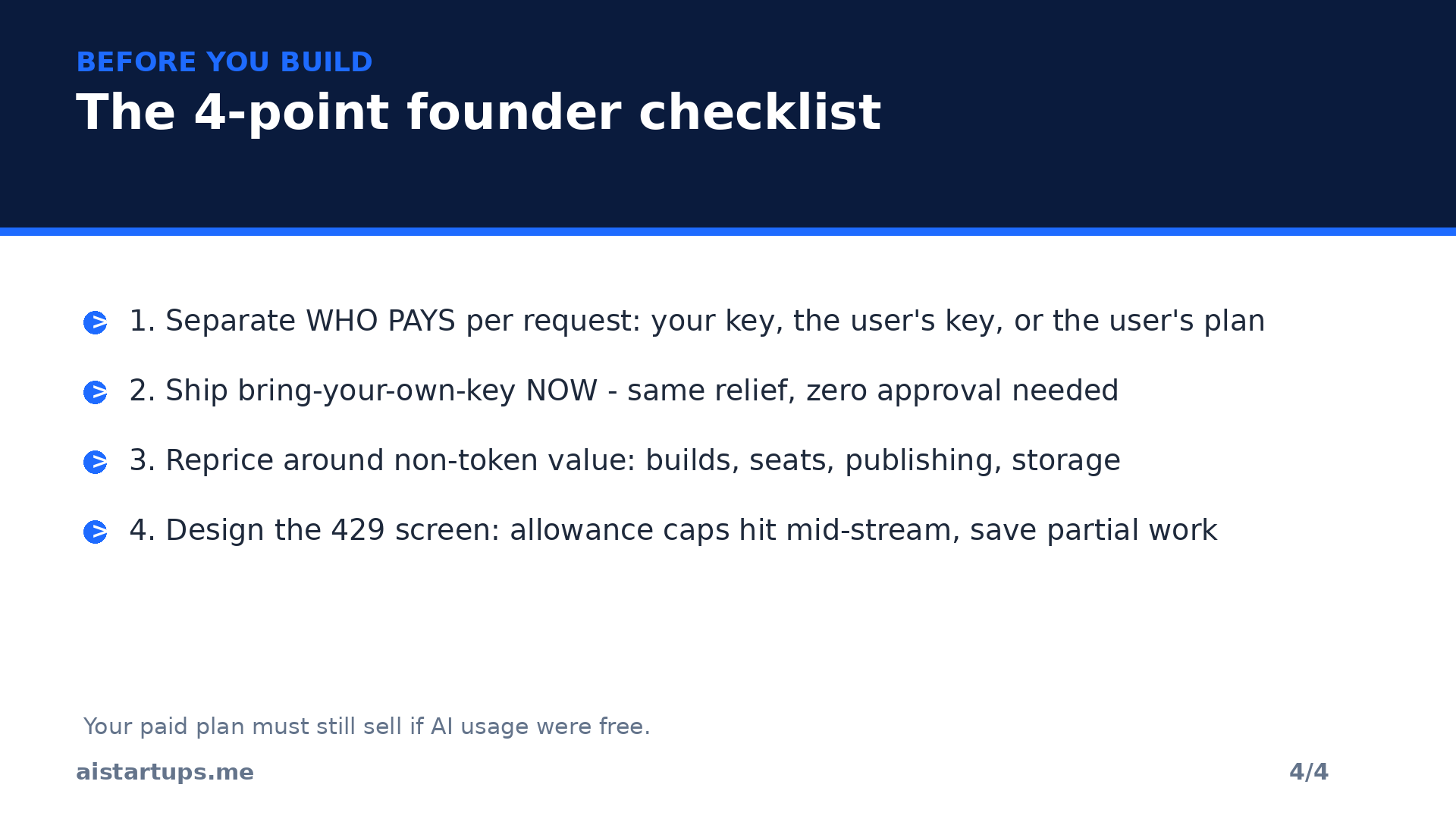
- Separate “who pays” from the model call. Make billing source a per-request setting: your key, the user’s key, or the user’s plan. This is the architectural change that makes everything else possible.
- Ship bring-your-own-key now. It gives heavy users the same $0 relief today with zero approval needed — and it teaches you where your real value is.
- Audit your Responses API calls. List every parameter and hosted tool the preview rejects, so you know whether your product even fits.
- Reprice around non-token value. Decide what your paid plan sells when AI usage is free: builds, seats, publishing, storage, collaboration, model choice.
- Design the 429 screen. Usage-limit errors can arrive mid-stream. Save partial work, pause new requests, and show your fallback.
And if the OAuth scopes, token refresh logic, and per-request billing routing sound like two engineering weeks you don’t have — that’s exactly the kind of integration an AI integration studio like AISquadX builds for startups. Getting the plumbing right the first time beats debugging someone else’s auth flow at 2 AM.
FAQ
Does OpenAI charge developers for Sign in with ChatGPT?
Not that they’ve published. The developer pages — read on September 30, 2026 — describe the integration and the waitlist but list no fee and no revenue share. That could change; the enterprise Marketplace already has its own commercial terms.
Can ChatGPT Free users spend plan usage in my app?
No. Anyone can sign in with a ChatGPT account, but only Plus and Pro subscribers can share plan usage, per OpenAI’s Help Center. Your app can further restrict it to some of your own tiers.
Which models can my app call on a user’s plan?
Whatever the models endpoint returns for that user’s token — availability is account-specific and should be refreshed when users switch accounts. Devin and Warp mention GPT-6 Astra, Sol, and Luna among reachable models.
Can my app read the user’s ChatGPT conversations?
No. Sign-in shares the name, email address, and profile picture. Plan usage grants permission to run eligible requests on the user’s plan — never access to conversation history, memories, or API keys.
What happens when the user’s allowance runs out inside my app?
Your app gets a 429 error (subscription_sharing_usage_limit_exceeded), possibly in the middle of a response — treat a response as successful only after the completed event arrives. Users can opt in to spend ChatGPT credits after the plan runs out, but that needs a separate opt-in and the app’s limit set to 100%. Don’t count on it; keep a fallback billing path.
The Bottom Line
Sign in with ChatGPT is the most founder-relevant thing OpenAI announced at DevDay, and it wasn’t close. For the right product — developer tools, coding agents, writing tools with their own tool loops, audiences already paying for Plus or Pro — it can delete your biggest variable cost overnight.
But treat it as a payment method you don’t control, not a fix for your margins. Apply now and prepare your code. Build it as one of three billing sources next to your own key and the user’s key. Keep a fallback for the 429. Move your paid plan’s value to things OpenAI doesn’t meter. And assume the allowance will shrink — because the $200 plan just did, on the same stage where the feature was announced.
If you sell to enterprises, serve mostly Free users, or depend on hosted tools like file search and Code Interpreter? Wait. The preview wasn’t built for you yet. The rest of you: the interest form takes five minutes, and the billing-source separation is worth doing whether or not OpenAI ever lets you in.