
Real talk: a few years ago, building an MVP without knowing how to code meant cobbling together a landing page and pretending the product existed behind it. A concierge MVP. A fancy lie.
That’s not 2026 anymore.
I watched a founder — non-technical, marketing background, zero Python — ship a working AI writing coach earlier this year. Real accounts. Real subscriptions. Real AI calls in the backend. She built it over two weekends with a prompt-to-app builder, a hosted Postgres database, and a Stripe payment link. Her total monthly bill at launch was under $80. She’s doing four figures in MRR now, and she still can’t write a line of code.
That’s the world we’re in. The no-code stack for AI products has grown up: AI builders that generate working apps from a sentence, backends that handle auth and databases out of the box, AI APIs that cost fractions of a cent per call, and payments that take an afternoon to wire up. This is the complete stack, what each piece costs, and exactly how to assemble it.
If you haven’t yet, read our guide on how to validate an AI startup idea before writing a single line of code first — it saves you from building the wrong MVP beautifully.
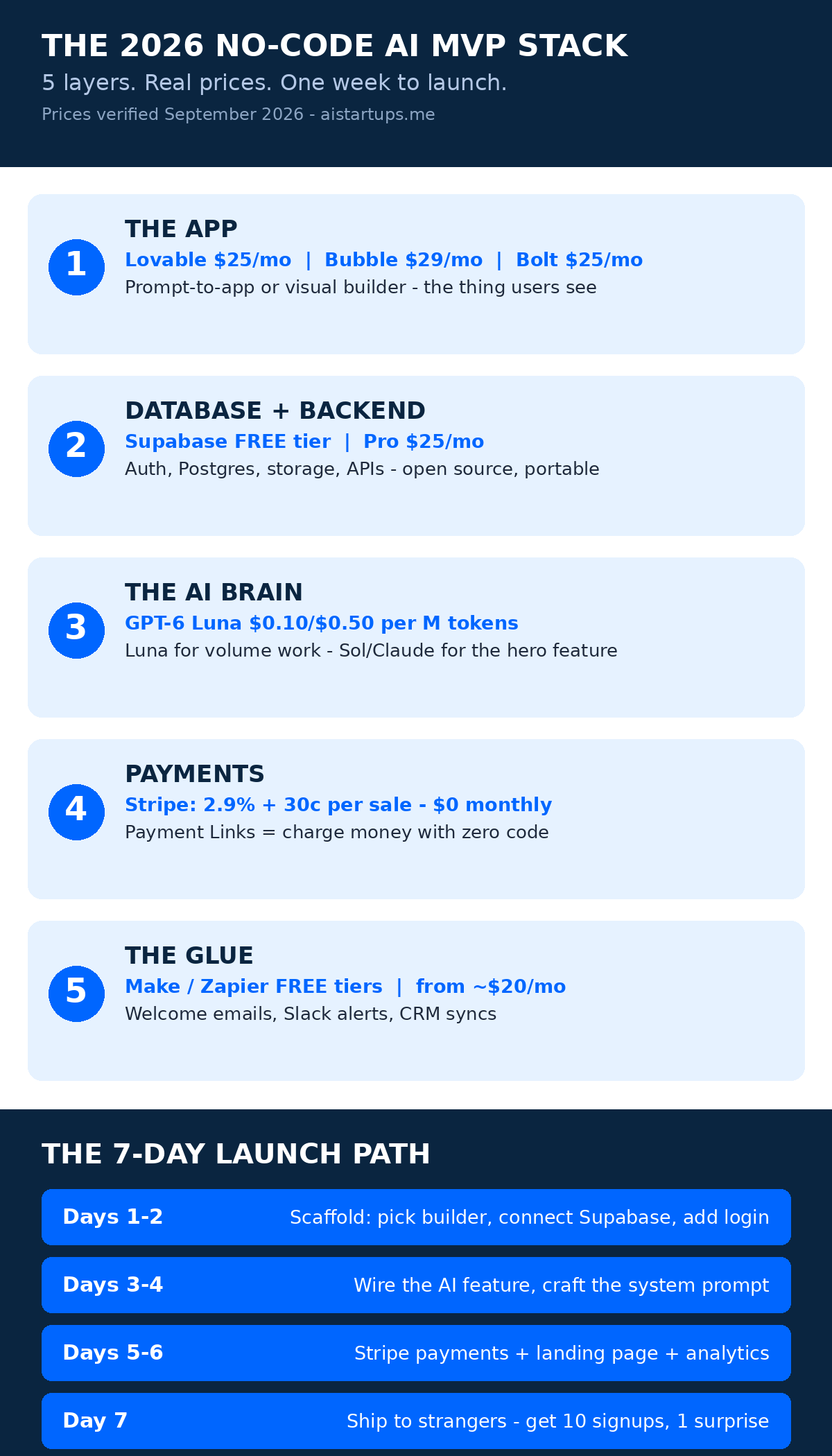
The 2026 No-Code AI MVP Stack at a Glance
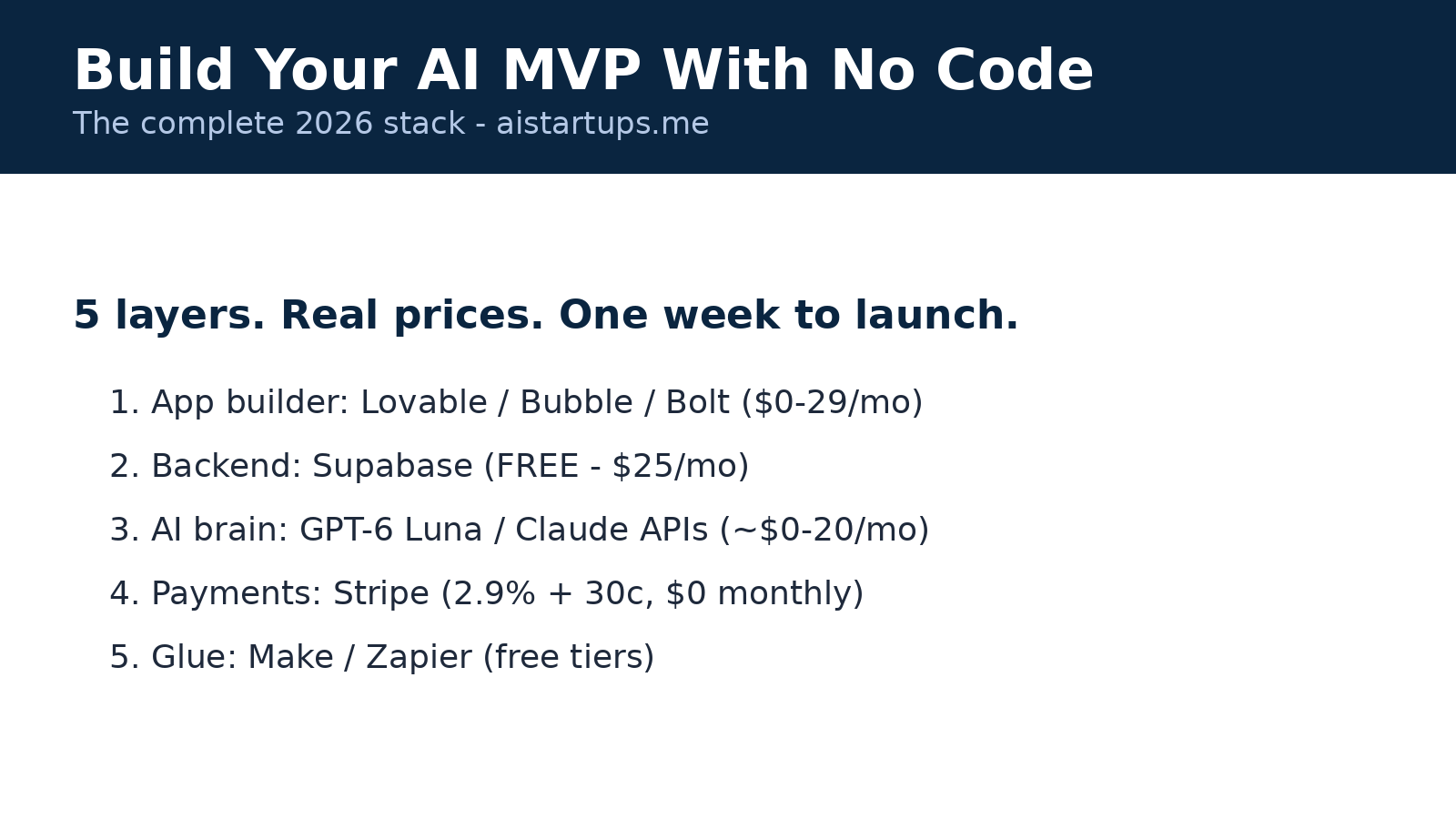
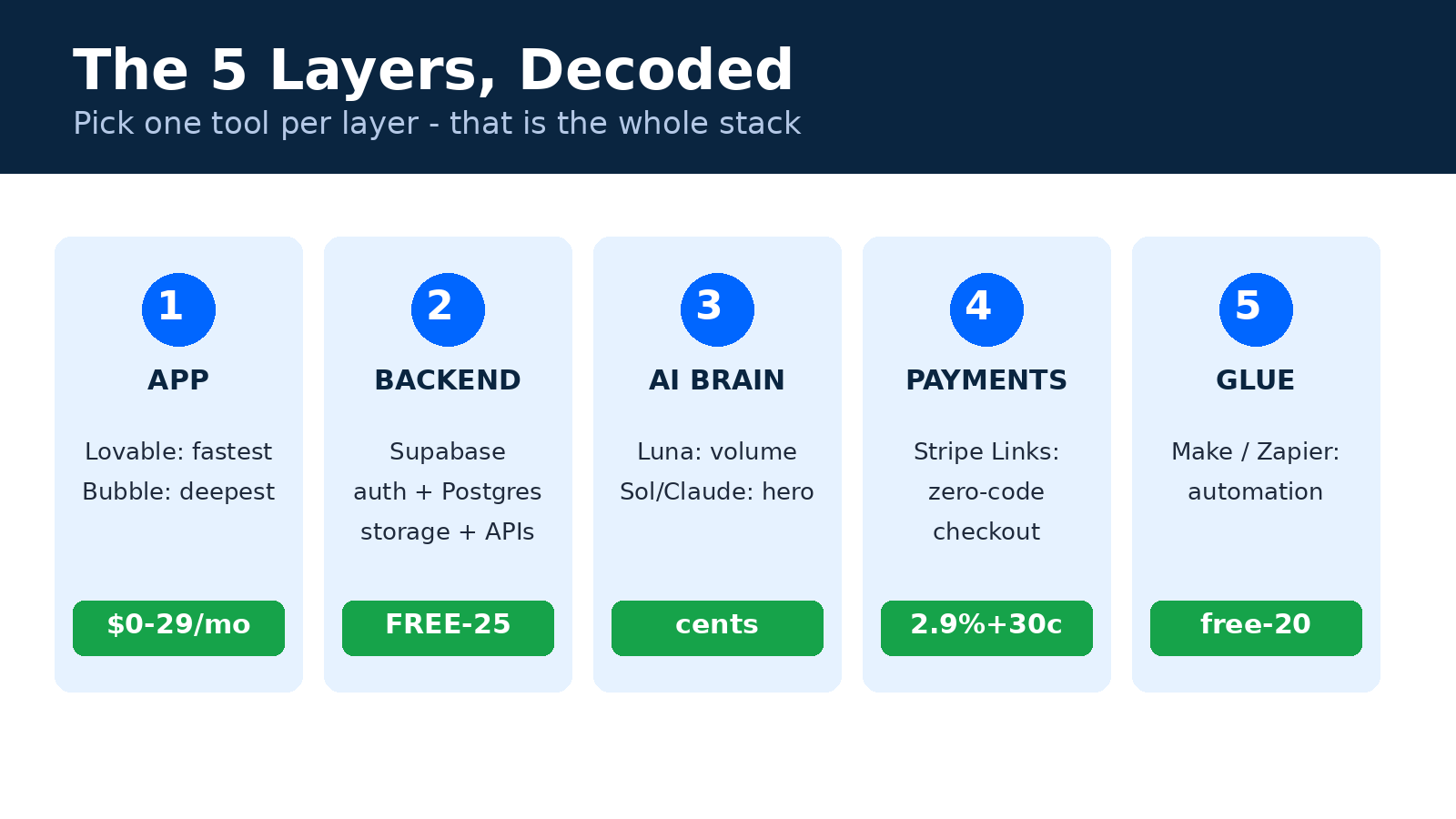
Every AI product — no matter how complex it looks from the outside — is made of the same five layers. Here’s what they are, the best no-code option for each, and what you’ll actually pay:
| Layer | What it does | Best no-code pick | Cost to start |
|---|---|---|---|
| 1. The app | The thing users see and click | Lovable or Bubble | $0–29/mo |
| 2. Database & backend | Accounts, data, storage, auth | Supabase | $0–25/mo |
| 3. The AI brain | The model doing the smart work | OpenAI / Anthropic APIs | pay per use, ~$0–20/mo early |
| 4. Payments | Charging money | Stripe | $0 + 2.9% + 30¢ per sale |
| 5. The glue | Automation between everything | Make or Zapier | $0–20/mo |
That first column — a real, working AI product with accounts, payments, and a database — costs less than a nice dinner each month. Wild, right? Let’s walk through each layer, because each one has a trap or two you should know about before you pick.
Layer 1: The App Itself (Bubble vs. Lovable vs. the Rest)
This is the biggest decision you’ll make, and honestly the one people overthink most. There are really two philosophies in 2026: prompt-to-app AI builders that generate the app for you, and visual builders where you assemble it yourself.
The prompt-to-app route: Lovable, Bolt, Base44
Lovable is the name everyone mentions for fast AI MVPs — you describe the app, it generates a working full-stack app, and you iterate in plain language. Paid plans start at $25/month. Bolt.new does a similar prompt-to-code trick starting around $25/month (with GitHub export, which matters later). Base44 is the budget pick at roughly $16/month on annual billing.
These are speed machines. The tradeoff? Lock-in. Some of these builders keep your app inside their runtime with no clean code export — Lovable syncs to GitHub on paid tiers, Bolt exports one way. If your app succeeds and you eventually need to hand it to a developer, ask the export question before you build, not after.
The visual-builder route: Bubble, Softr, Glide
Bubble is still the deepest no-code platform for real SaaS products — a visual page designer, a real database you define, and a workflow engine that can handle genuinely complex logic (marketplaces, multi-role dashboards, subscription flows). It’s had a long runway and it shows. 2026 pricing, billed annually: free to prototype, Starter at $29/month (web only), Growth at $119, Team at $349 — with usage metered in “workload units.”
Here’s the honest catch: Bubble has a learning curve. The first weekend feels like learning a small programming language with a mouse. But that depth is exactly why Bubble-built MVPs survive past the demo — the AI App Generator gets you a starting scaffold in minutes now, and you customize from there.
For simpler products, Softr ($19/month) turns Airtable or a database into client portals and dashboards fast, and Glide ($25/month) builds clean mobile apps from spreadsheets. If your MVP is mostly a pretty face over data you already have, don’t overthink it — Softr or Glide ships faster.
My actual recommendation
Want to move fastest and accept some lock-in? Lovable. Want the most headroom to grow without rebuilding? Bubble. Want the cheapest path to a real product with a portable backend? Bolt or Base44 paired with your own Supabase database (more on that next).
“The barrier is no longer coding skills. It is implementation discipline. The real question is not ‘can you make it’ — it’s ‘will you actually get it done?'”
That line stuck with me because it’s true. Most MVPs die from abandonment, not from technical limits.
Layer 2: The Database and Backend (Supabase Wins This)
Here’s a layer most first-time founders skip — and then regret. Your app needs to store users, sessions, files, and settings. You need login (Google sign-in, magic links), you need row-level security so users can’t see each other’s data, and you need an API your frontend can call.
Supabase is the clearest choice here: a hosted Postgres database (real SQL, not a proprietary black box), auth with 50,000 monthly active users on the free tier, storage, auto-generated REST and GraphQL APIs, and built-in vector search for AI features. Free tier gets you 500MB of database and 2 projects; Pro is $25/month per project. The killer feature for founders? It’s open source. If Supabase ever annoys you, you can self-host the whole thing. That’s an exit route almost no other backend gives you.
The alternative is Xano — a visual backend with a no-code API builder, genuinely easier if databases make your eyes glaze over. But it costs more (Launch is now $95/month, up from $85 last year) and your data lives in their proprietary system. For an MVP, Supabase’s free tier is simply too good to ignore.
One warning about Supabase free projects: they pause after about a week of inactivity. Fine for building, annoying for a live demo link. Go Pro ($25) the moment real users touch the product.
Layer 3: The AI Brain (This Is the Cheap Part Now)
This is the fun part — and in 2026, it’s shockingly affordable. The September model launches changed the math: OpenAI’s GPT-6 Luna costs $0.10 per million input tokens and $0.50 per million output tokens, while GPT-6 Sol runs $2/$10 per million for heavier work. Anthropic’s Claude Opus 5.5 sits at $4/$20 per million. Let me translate that out of token-speak:
A typical MVP feature — say, generating a personalized workout plan or summarizing a document — costs a fraction of a cent per user action on Luna. You could serve thousands of users before your AI bill crosses $20. The AI layer is the cheapest part of your stack. Let that sink in, because it was the most expensive part three years ago.
How do you wire it in with no code?
- Bubble: the API Connector calls OpenAI or Anthropic endpoints directly — no plugin needed. Store your API key server-side in backend workflows so users can’t steal it. (This is the step beginners mess up most: never put an API key in client-side code. Ever.)
- Lovable / Bolt / Base44: they handle the plumbing when you describe the AI feature; you supply the API key in their secrets manager.
- Supabase: Edge Functions can call model APIs server-side with your keys safely tucked in environment variables.
Pick your model by task: Luna-class models for high-volume routine work (summaries, classification, extraction), stronger models like GPT-6 Sol or Claude for the hero feature — the one thing your product must do brilliantly. And use prompt caching aggressively on repeated system prompts; it cuts input costs dramatically.
Well — mostly dramatically. Check each provider’s current caching docs before you budget around it.
Layer 4: Payments (Stripe, Obviously)
Stripe remains the default for a reason: 2.9% + 30¢ per successful US card charge, zero monthly fee, zero setup cost, and the best no-code on-ramps in the business. Stripe Payment Links let you charge money with literally no code — generate a link, put it behind your “Upgrade” button, done. Subscriptions, trials, and proration are all built in.
Wire it into Bubble with the Stripe plugin (one-click), or use Stripe Checkout as a hosted page from any builder. Two gotchas from founders who learned the hard way:
- Test mode first. Stripe gives you test API keys. Run ten fake purchases before going live. Refunding real test charges is embarrassing.
- Webhooks are how you know someone paid. When a subscription renews or fails, Stripe tells your app via webhook. Set up at least the
checkout.session.completedevent in Supabase Edge Functions or Bubble backend workflows before launch, or users will pay and your app won’t know.
For a deeper look at what the whole venture costs beyond the stack itself, we broke down how much it costs to start an AI business in 2026 — including the non-obvious line items like domains, email, and the compliance basics.
Layer 5: The Glue (Make, Zapier, or n8n)
Your app will need to talk to things: send welcome emails, log signups to a spreadsheet, notify you in Slack when someone upgrades, sync failed payments to your CRM. That’s the automation layer.
We compared these in detail in our honest Zapier vs Make vs n8n breakdown — the short version for MVP purposes: Make gives you the most visual power per dollar (generous free tier, plans from ~$20), Zapier has the biggest app catalog but costs more, and n8n is free if you self-host and don’t mind a little setup. For a no-code MVP, start with Make’s free tier. You can migrate later.
The 7-Day Build Plan
Okay. Theory’s over. Here’s the actual week. I’ve seen founders follow roughly this shape again and again — the ones who ship treat it like a sprint, not a hobby:
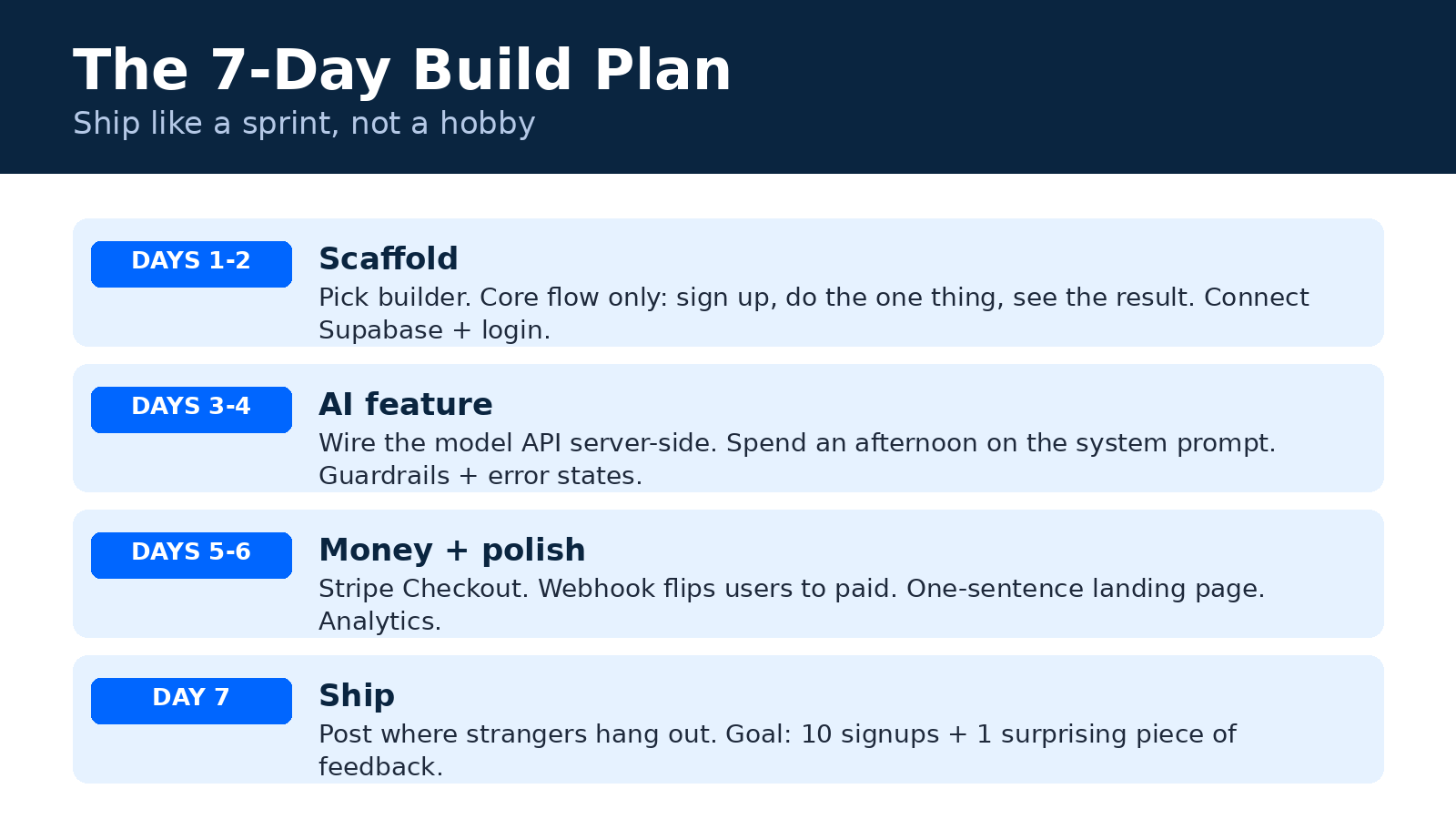
Days 1–2 — Scaffold. Pick your builder (Lovable for speed, Bubble for depth). Describe or wireframe the core user flow: sign up → do the one thing your product promises → see the result. Ignore everything else. Your MVP does one thing well. Generate the scaffold, connect Supabase, set up Google login.
Days 3–4 — The AI feature. Wire the model API into your core flow. Hardcode a great system prompt first — seriously, spend an afternoon on the prompt, it’s the cheapest R&D you’ll ever do. Add guardrails: input length limits, a “processing” state, error handling for when the API hiccups. Test it on five friends and watch where they get confused.
Days 5–6 — Money and polish. Stripe Payment Links or Checkout on the pricing page. Webhook that flips users to “paid.” A landing page that explains the product in one sentence (steal this formula: “We help [who] do [what] without [pain]”). Basic analytics — even a free PostHog or Plausible tier.
Day 7 — Ship to strangers. Not friends. Strangers. Post it in one community where your target users hang out. Your goal isn’t virality — it’s ten real signups and one piece of feedback that surprises you. That surprise is the most valuable thing you’ll get all week.
What This Stack Actually Costs
Let’s put honest numbers on two scenarios, verified against current pricing pages:
| Lean MVP (pre-revenue) | Paying users | |
|---|---|---|
| App builder | $0 (free tiers) | $25–29/mo |
| Supabase | $0 (free tier) | $25/mo Pro |
| AI APIs | ~$5 (testing) | ~$10–30/mo |
| Stripe | $0 | 2.9% + 30¢ per sale |
| Automation | $0 (free tiers) | $0–20/mo |
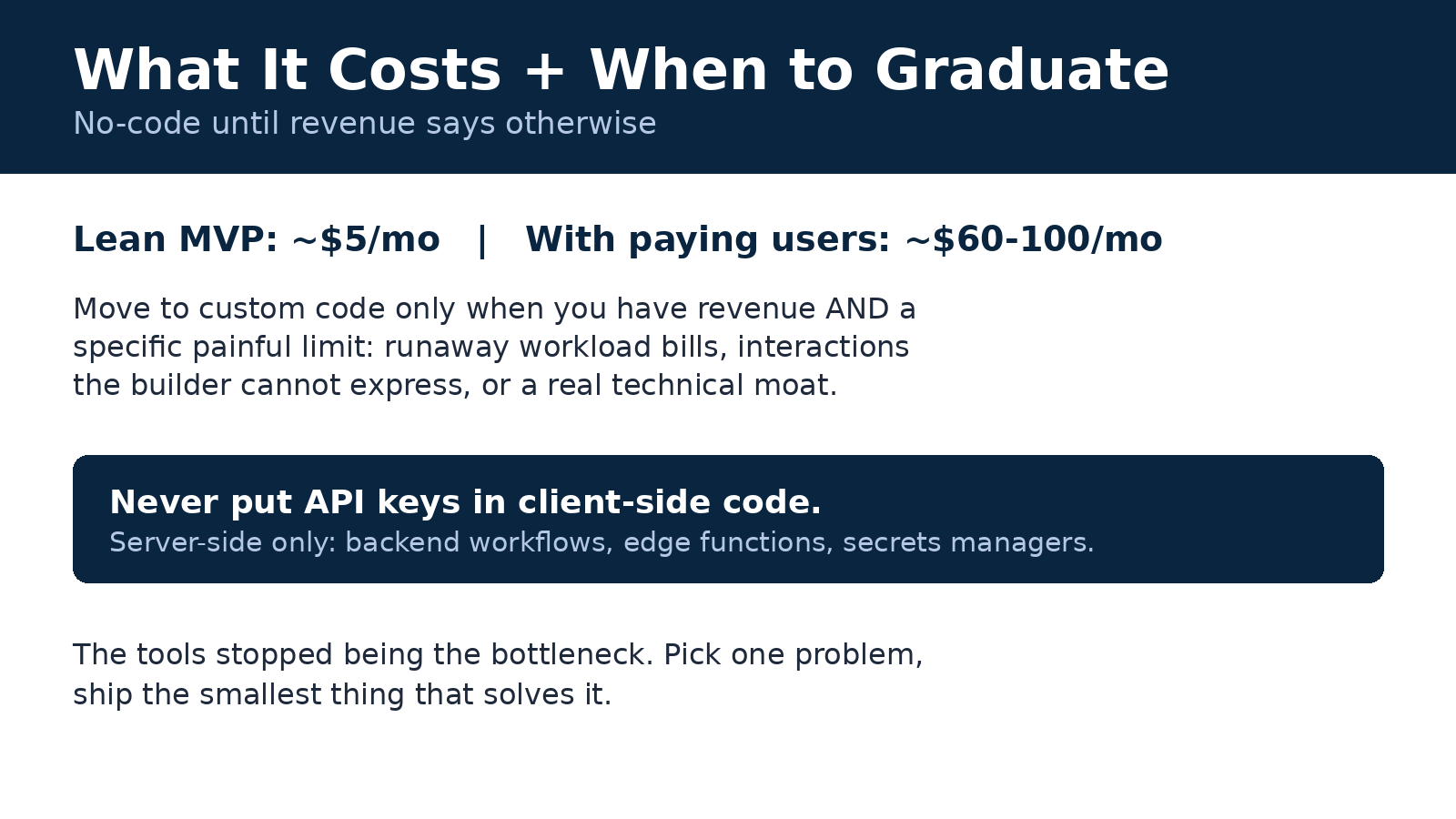
| Total | ~$5/mo | ~$60–100/mo |
Five dollars a month to build. Under a hundred a month to run with real paying users. Compare that to the $15k–$50k a dev shop quoted for the same MVP two years ago. (Those quotes weren’t scams, by the way — they were pricing in custom code, which you genuinely needed then.)
Where No-Code Breaks (the Honest Part)
Look, I’d be doing you a disservice if I pretended the stack has no ceiling. It does. Know where it is:
- Weird, custom interactions. If your product needs a novel editor, a real-time collaborative canvas, or heavy 3D, visual builders will fight you.
- Extreme scale economics. Bubble’s workload units and per-seat pricing are fine at hundreds of users. At tens of thousands of heavy users, a custom backend gets cheaper — that’s just math.
- Deep IP. If your moat is a proprietary model or a novel algorithm, no-code is the wrapper, not the product. Fine — plenty of companies start exactly that way.
- Compliance-heavy niches. Healthcare, fintech — doable, but the audit trail work is real and the platform’s certifications matter.
The good news: hitting the ceiling is a good problem. It means you have users and revenue — which is exactly when hiring real engineers (or a studio) makes sense. When your MVP outgrows the no-code phase and you need custom development, a web development studio like AISquadX can rebuild the proven concept on a proper codebase without losing what made it work.
Most founders never hit the ceiling, by the way. They hit the other wall — the one where nobody wants the thing. That’s why the validation step comes before all of this.
FAQ
Can I really build an AI startup with zero coding in 2026?
Yes — for most SaaS-style products. Prompt-to-app builders like Lovable and Bolt generate working apps from descriptions, Bubble handles complex logic visually, and Supabase covers your database and auth. The one non-negotiable skill isn’t coding: it’s understanding APIs at a conceptual level (what a key is, what a request does). An afternoon of learning covers it.
How much does a no-code AI MVP cost per month?
Roughly $5/month while building (free tiers plus a few dollars of AI API testing) and $60–100/month once you have paying users — covering a paid app-builder plan ($25–29), Supabase Pro ($25), AI API usage ($10–30), and Stripe’s per-transaction fees (2.9% + 30¢). We verified every price in this guide against live pricing pages in September 2026.
Which is better for an AI MVP: Bubble or Lovable?
It depends on what you’re optimizing for. Lovable is faster — describe the app, get a working product, iterate in plain language — but with more vendor lock-in. Bubble is deeper: a steeper learning curve, but visual control over database, workflows, and logic, plus an AI generator for scaffolding. Speed → Lovable. Headroom → Bubble.
How do I keep my AI API keys safe in a no-code app?
Never put API keys in client-side code or frontend workflows — anyone can read them from the browser. Store keys in your backend: Bubble backend workflows, Supabase Edge Function environment variables, or your builder’s secrets manager. Route every AI call through the server so the key never reaches the user’s browser.
When should I move off no-code to custom code?
When you have revenue and a specific, painful limitation — not before. Common triggers: workload-unit bills that exceed what managed hosting would cost, interactions the visual builder can’t express, or a technical moat that needs proprietary code. Moving early is the classic mistake; moving with paying users funding it is the right one.
The Bottom Line
The 2026 no-code stack — a prompt-to-app builder or Bubble, Supabase, cheap frontier AI APIs, Stripe, and Make — takes you from idea to paying users for less than $100 a month. That’s not a hack or a shortcut. It’s just how software gets built now.
The tools stopped being the bottleneck a while ago. What’s left is the part no tool can do for you: picking one problem, talking to the people who have it, and shipping the smallest thing that solves it. If you’re waiting for permission or a co-founder who codes — this is it. Start the seven-day sprint.
And if you’re still mapping out the bigger picture, our complete founder’s guide to starting an AI startup in 2026 covers everything around the build: positioning, pricing, and getting those first users.